
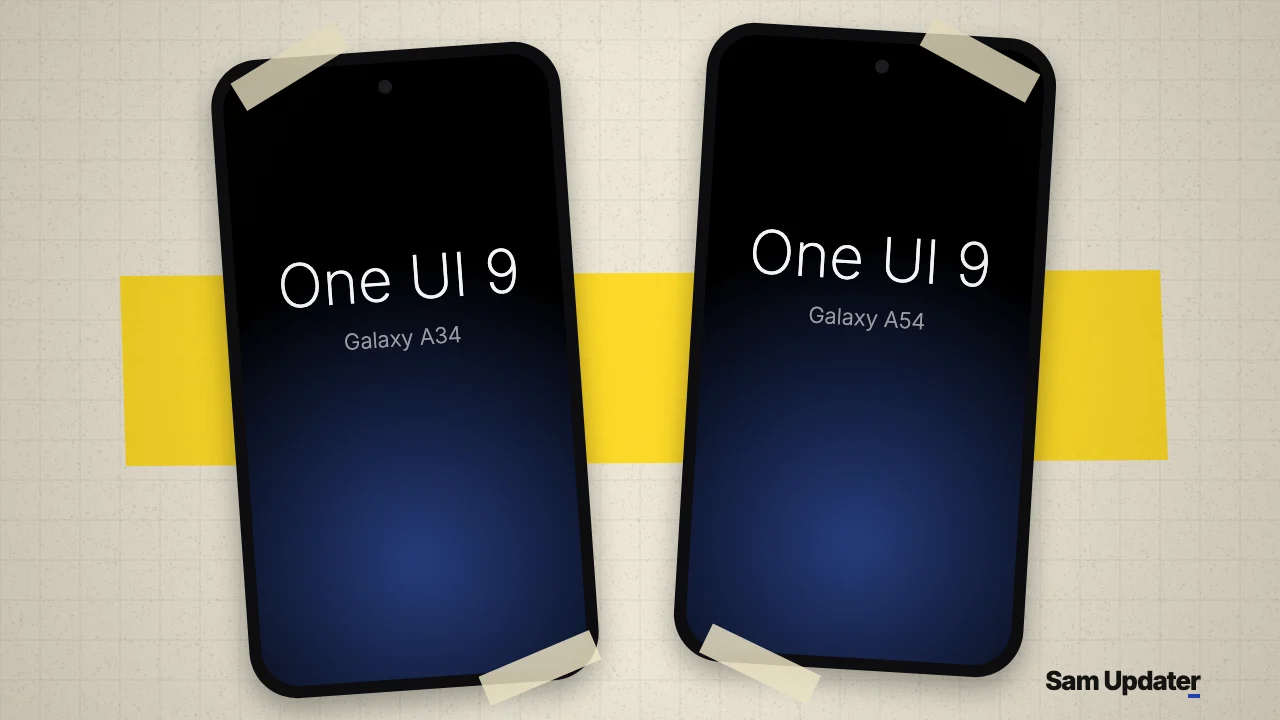
Samsung released One UI 9 for the Galaxy A34 5G in South Korea on November 4, 2026. Samsung’s Korean release notes list build A346NKSUFGZJ8 for the SM-A346N, with Android 17 and the October 5 patch. The Galaxy A54 5G moved the same week, and its AT&T and T-Mobile build reached our firmware feed on November 3.
The quickest way to know where you stand is your model number. Open Settings > About phone, then match it to the table below.
Galaxy A34 and A54 One UI 9 builds
| Phone | Model | Build | Where our feed saw it | First seen |
|---|---|---|---|---|
| Galaxy A34 5G | SM-A346N | A346NKSUFGZJ8 | South Korea | Nov 4 |
| Galaxy A54 5G | SM-A546U | A546USQUNGZJ6 | AT&T, T-Mobile | Nov 3 |
| Galaxy A54 5G | SM-A546E | A546EXXUNGZJ5 | India and 19 other channels | Nov 2 |
| Galaxy A54 5G | SM-A546B | A546BXXUNGZJ5 | Europe (EUX), Serbia | Nov 2 |
Samsung dates both international A54 builds November 2 in its Europe and India release notes. Our feed picked up the India channel itself on November 3. Every build here carries the October 5 security patch, so don’t expect the November patch with this update.
Galaxy A34 One UI 9 is Korea only so far
SamMobile puts the Korean download at 2,954.69MB, and it expects other countries over the next few days. That’s a prediction, because Samsung hasn’t published a schedule.
Our feed doesn’t show One UI 9 for the international models yet. The newest SM-A346B build it holds is A346BXXSHFZJ4, from October 19, and the newest SM-A346E build is A346EXXSGFZJ4, from October 22. Both are October security updates.
Unlocked US Galaxy A54 owners are still waiting
SamMobile reported the carrier-locked US release on November 4 and said unlocked phones should follow soon. Our feed agrees on the first part. AT&T and T-Mobile both show A546USQUNGZJ6, while the newest build for the unlocked SM-A546U1 is still A546U1UESNFZJ2 from October 22, with no One UI 9.
Galaxy A26 owners in the US have had better luck. The unlocked SM-A266U1 got its build, A266U1UEUADZJ5, on November 3, and we keep the rest of that phone’s rollout in our Galaxy M47, A26 and A17 4G post.
What’s new on the Galaxy A54 and A34
The A54 notes list a quick panel where you can resize the brightness slider, volume slider and media player, plus a new Warranty and care menu in Settings. The Korean A34 notes open with the same two changes.
Two privacy additions on the A54 list are worth trying after you update. A blue indicator appears when an app uses your location, and pressing and holding the Volume down and Side buttons locks the phone so biometrics can’t be used the next time you open it. Samsung Health also gets a redesign with resizable cards and better trend charts.
Install One UI 9 on your Galaxy A34 or A54
The Korean A34 package alone is nearly 3GB, so use Wi-Fi and back up first. We laid out your options in our One UI 9 backup guide.
- Connect to Wi-Fi and plug in your phone or charge it past 50%.
- Go to Settings > Software update > Download and install.
- Tap Download if One UI 9 is offered, and wait for the package to finish.
- Tap Install now. The phone will restart when it’s done.
Your channel may be listed and your phone may still show nothing, since Samsung sends updates in batches. Our guide to the One UI 9 update not showing covers that case, and this table refreshes as new channels appear:
Live data from Samsung's official release notes. Last checked Nov 5, 2026, 07:31 UTC.
| Device | One UI 9 status | First release | First build |
|---|---|---|---|
| Galaxy A54 5G | Rolling out (24 regions) | Nov 2, 2026, Europe (EUX) | A546BXXUNGZJ5 |
| Galaxy A34 5G | Rolling out (1 region) | Nov 4, 2026, South Korea | A346NKSUFGZJ8 |
This table covers the models and firmware channels monitored by our tracker. A missing record does not confirm that an update is unavailable elsewhere.
Was this guide helpful?
Your answer helps us keep it accurate.

Comments (0)
Comments are moderated, and published only if they are relevant to the topic and add value in a constructive way. If you disagree with something, please be polite and respectful.