
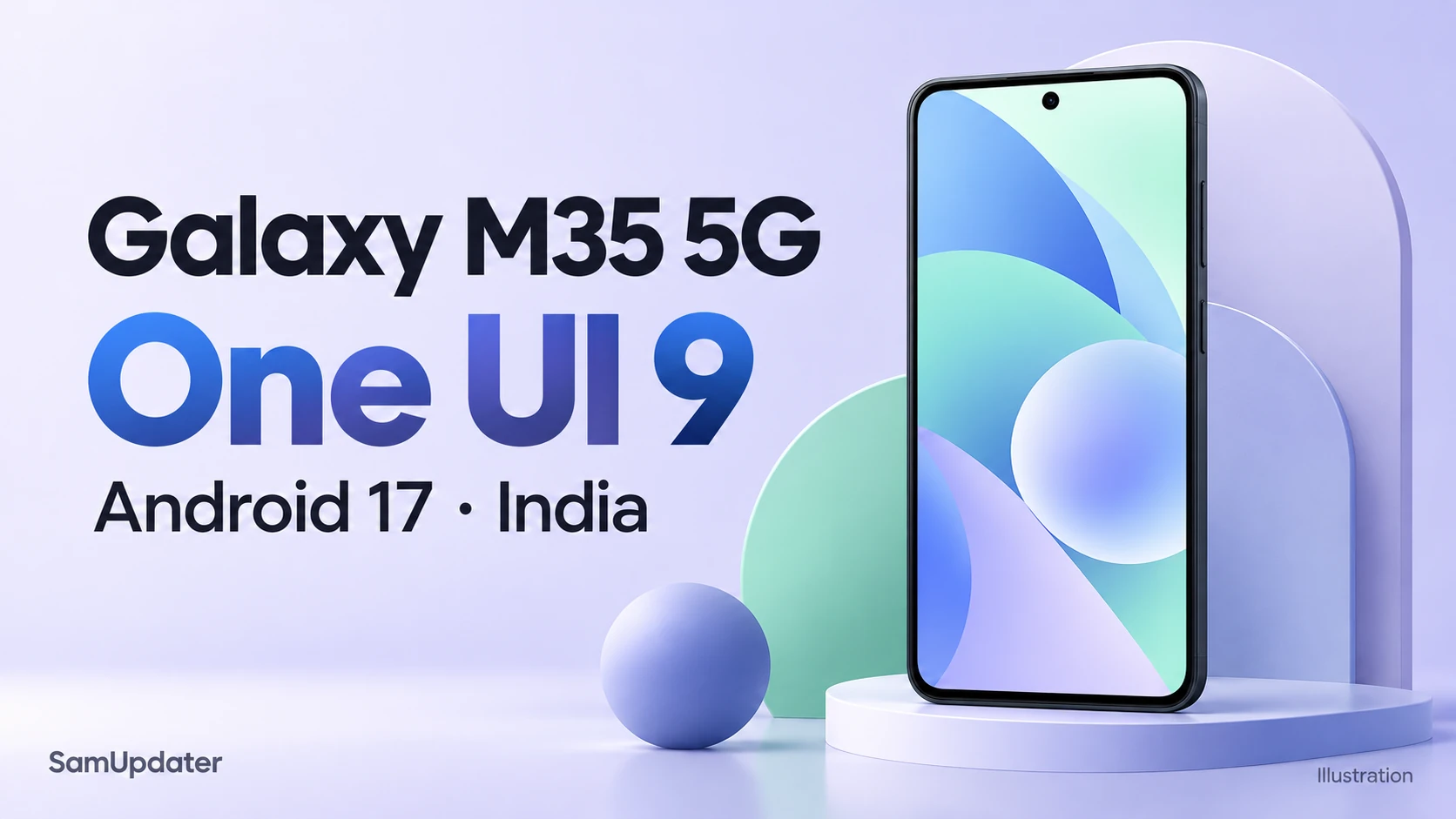
Samsung has released the Galaxy M35 5G One UI 9 update in India, bringing Android 17 and the October 5, 2026 security patch. The official Galaxy M35 release history dates firmware M356BXXU9EZJ2 October 29, 2026.
Our firmware feed also logged this build for India’s INS channel at 7:20 p.m. IST on October 29. That’s when our tracker detected the entry, rather than an exact time Samsung began sending the download to phones.
Which Galaxy M35 build is available in India?
The confirmed package is M356BXXU9EZJ2 for the Galaxy M35 5G, model SM-M356B, on the INS software channel. Samsung identifies it as Android 17 with One UI 9. The release date and security patch date are separate: this October 29 release includes the October 5 patch.
| Detail | India release |
|---|---|
| Device | Galaxy M35 5G (SM-M356B) |
| Software channel | India, INS |
| Build number | M356BXXU9EZJ2 |
| Android and One UI | Android 17, One UI 9 |
| Samsung release date | October 29, 2026 |
| Security patch level | October 5, 2026 |
I would compare the full build number with your update screen before downloading. Our CSC guide explains how to identify your software channel if you’re unsure whether your M35 uses INS.
What does One UI 9 change on the Galaxy M35?
Samsung’s M35-specific changelog describes changes to the quick panel, privacy controls, Samsung Health, Bixby, and accessibility. I’d use this list when checking what your M35 gets, since a feature announced for another Galaxy model doesn’t establish support here.
The quick panel gives you more control over its layout. You can resize the brightness slider, volume slider, and media player, and give the sound-mode button its own space instead of keeping it attached to the volume control.
There’s also a blue indicator for location access. When it appears, the quick panel can show which app is using your location. The new Warranty and care menu brings warranty information and diagnostic options into Settings.
Samsung Health gets adjustable home-screen cards and revised charts. Bixby adds conversation management, including search, renaming, and pinning chats, plus a Home screen widget for starting a conversation or opening your history.
For accessibility, Samsung lists Text spotlight for enlarging selected text and Select to speak for reading or describing a selected screen item aloud. Those are specific additions in the M35 notes, rather than features inferred from the flagship rollout.
How do you download the M35 update?
Check through Settings on your Galaxy M35. Samsung’s US update instructions describe the download process and explain that screen labels can vary by model and carrier.
- In Settings, select Software update, then Download and install.
- When a package is offered, read its software details and compare the firmware with M356BXXU9EZJ2.
- Complete the download and follow the installation prompts on your screen.
- Once the phone restarts, open Settings > About phone > Software information to check the installed versions.
If your phone still shows no download, leave your model number, country, and current build in the comments. You can also follow the regional records in our One UI 9 tracker.
FAQ
Is the Galaxy M35 One UI 9 update confirmed outside India?
The record checked for this article is India’s INS channel. It confirms that release, but doesn’t establish a worldwide rollout or a date for another country’s M35 software.
How large is the Galaxy M35 One UI 9 download?
Samsung’s linked release history doesn’t specify a download size. Check the package shown on your own update screen before starting.
Was this guide helpful?
Your answer helps us keep it accurate.
Comments (0)
Comments are moderated, and published only if they are relevant to the topic and add value in a constructive way. If you disagree with something, please be polite and respectful.