
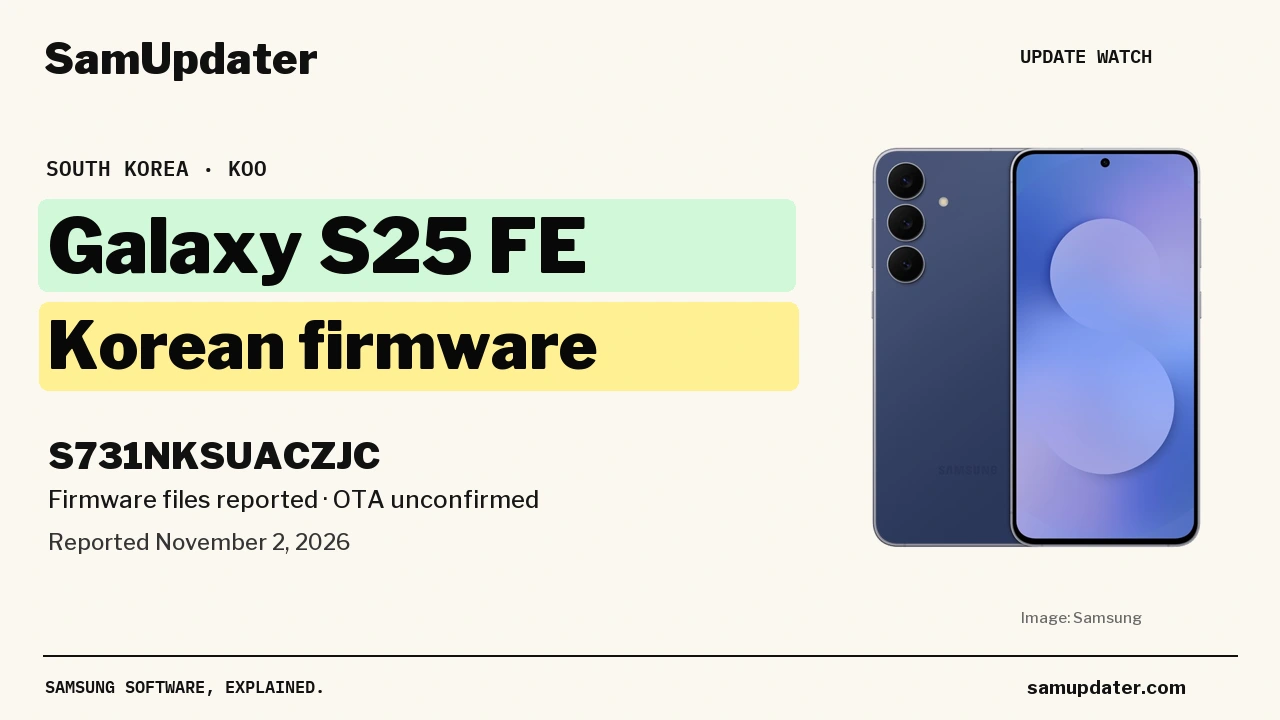
A new Galaxy S25 FE firmware package has been reported for South Korea on November 2. Kailash0729 shared build S731NKSUACZJC for the Korean model, but an over-the-air rollout is still unconfirmed.
If you’re watching for this update, compare the full build number before downloading anything. I checked Samsung’s Korean release history, and its latest entry is still the October 19 security update.
CZJC appears in a Korean firmware lookup
The screenshot attached to Kailash’s post shows model SM-S731N and the KOO region code. It is a firmware-lookup screen, rather than a phone’s update notification. The post says the Odin files have been uploaded and gives these identifiers:
| Reported field | Value |
|---|---|
| Model | Galaxy S25 FE, SM-S731N |
| Software channel | KOO, South Korea |
| Main firmware identifier | S731NKSUACZJC |
| Other identifiers in the post | S731NOKRACZJC / S731NKSSACZJ1 |
Kailash describes it as another October stability or security update. Samsung’s changelog will be needed before I can tie CZJC to a patch date or a particular camera, battery or performance fix.
What does Samsung’s Korean release history show?
Samsung’s release notes for the Korean Galaxy S25 FE currently list S731NKSSACZJ2 at the top. That entry is dated October 19, 2026, runs Android 17 and carries the October 5 security patch. Samsung describes it as a security-related stabilization update.
The same history dates the Korean One UI 9 upgrade to September 28, under S731NKSU9CZIF. So the fresh CZJC report concerns a possible follow-up for a model that already received One UI 9. It is not the first sign of that OS upgrade reaching this phone.
Notice the difference between S731NKSSACZJ2 in Samsung’s published history and S731NKSUACZJC in the new report. Checking only the October patch date would miss that distinction. The complete firmware string is what you need when comparing the two.
We also covered an October security release for the Galaxy S25 FE in the Dominican Republic. That article concerns a different regional model and build, so keep its update details separate from this Korean report.
Check what your Galaxy S25 FE offers
For a normal update check, follow the route in Samsung’s UK software-update instructions:
- Open Settings, then Software update.
- Tap Download and install.
- If a package appears, read its build number and change list before continuing.
Samsung recommends Wi-Fi and enough battery charge before installation. You can compare the regional release record through our Samsung firmware checker using your exact model and CSC.
The model is under Settings > About phone. For the CSC, open Software information > Service provider software version and read the active three-letter code. Use the code shown on your own phone for that comparison.
If CZJC appears on your update screen, let me know your model, country or carrier, and the changes Samsung lists. Those details would help distinguish an actual handset rollout from the firmware-file report.
Was this guide helpful?
Your answer helps us keep it accurate.


Comments (0)
Comments are moderated, and published only if they are relevant to the topic and add value in a constructive way. If you disagree with something, please be polite and respectful.