
The One UI 9.5 fingerprint icon sits against the bottom of the 0 key in a Galaxy owner’s lock screen photo posted November 20. Open the original Samsung Members photo and look below 0. There’s visible wallpaper between the keypad rows, but where the fingerprint icon meets the 0 key, that space disappears.
Luciferaju shared the photo on Samsung’s Indian beta board. It shows the phone waiting for a PIN. The post describes the spacing and says nothing about a rejected fingerprint or a key that won’t respond.
Where does the One UI 9.5 fingerprint icon touch the keypad?
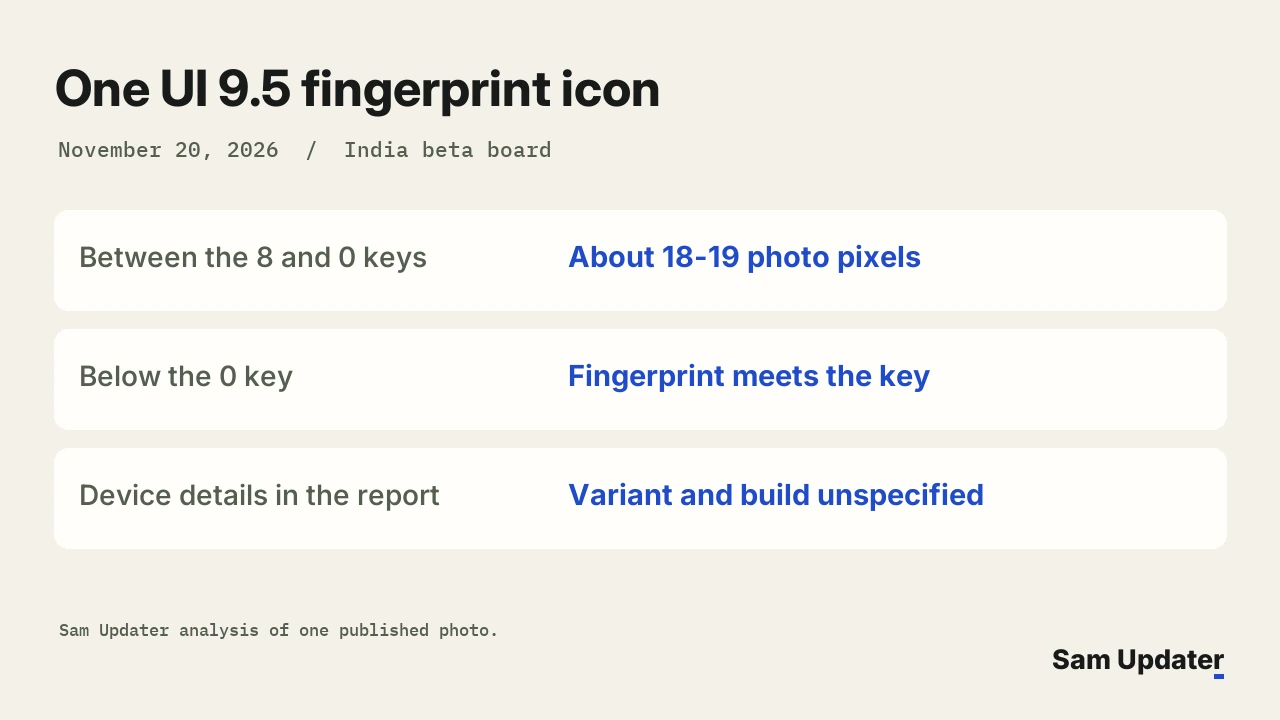
Look down the center column of the keypad. There’s a strip of wallpaper between the 8 and 0 keys. Immediately below 0, the top white curve of the fingerprint meets the colored circle around the number. The Emergency call button sits farther down, with room above it.
We checked the full 1,128-pixel-wide photo. Along five nearby vertical lines through the center of the keypad, the change from the bottom of 8 to the top of 0 spanned about 18 to 19 image pixels. The top of the fingerprint icon sits against the lower edge of 0.
Those numbers describe the published photo. You can’t use it to set a spacing value on your own phone.
What else did beta testers report?
A second member, PraveenKumarB, replied about 15 minutes later and said they saw the issue with other lock types. They didn’t attach another picture. PIN entry is the one screen we can inspect, and neither message gives a model number, build or screen zoom setting.
Two biometric changes in the first beta
Samsung describes two biometric changes in the first beta. We included them in our Galaxy S26 beta changelog. It redesigned the screens where you register your face and fingerprints. It also lets face and fingerprint recognition work together when you’ve enrolled both and the feature supports both methods.
In the photo, the phone is asking for an existing PIN. Samsung’s notes don’t mention moving the fingerprint symbol on this keypad. If you use an Ultra, our Galaxy S26 Ultra beta build report shows where to read the full build number before you send feedback.
Reporting the keypad layout to Samsung
If you can still enter your PIN and use your fingerprint, describe the position of the fingerprint icon when you report it. If a tap actually fails, say which input didn’t respond. Those two descriptions give Samsung different things to investigate.
In its beta feedback instructions, Samsung gives you two routes in Members. Both start under Participated Beta test.
| What you saw | Where to send it |
|---|---|
| Keypad layout is hard to read, but both inputs work | Beta community > Suggestions |
| A tap on the keypad or sensor fails | Send feedback, with the time it happened |
If the phone also rejects a saved fingerprint, you can check that separately. Open Phone diagnostics in Samsung Members and select Fingerprint recognition. Samsung India’s fingerprint guide also asks you to check whether One-handed mode or Smart View was on. Both can change how the sensor area appears. The owner didn’t say whether either feature was in use.
Send an error report within three minutes of seeing the issue so Samsung gets the relevant logs. Leave Members open until the app tells you the report has gone through.
Photographing the keypad while it’s empty shows the spacing without exposing any digits. Include your model and build from Settings > About phone > Software information, and mention any lock screen changes you’ve made. Our lock screen editor guide shows which parts of the screen Samsung lets you personalize.
Does the symbol touch 0 on your Galaxy, or can you still see wallpaper between them? Tell me your model and beta build. Keep your PIN out of the picture.
Was this guide helpful?
Your answer helps us keep it accurate.
Comments (0)
Comments are moderated, and published only if they are relevant to the topic and add value in a constructive way. If you disagree with something, please be polite and respectful.