
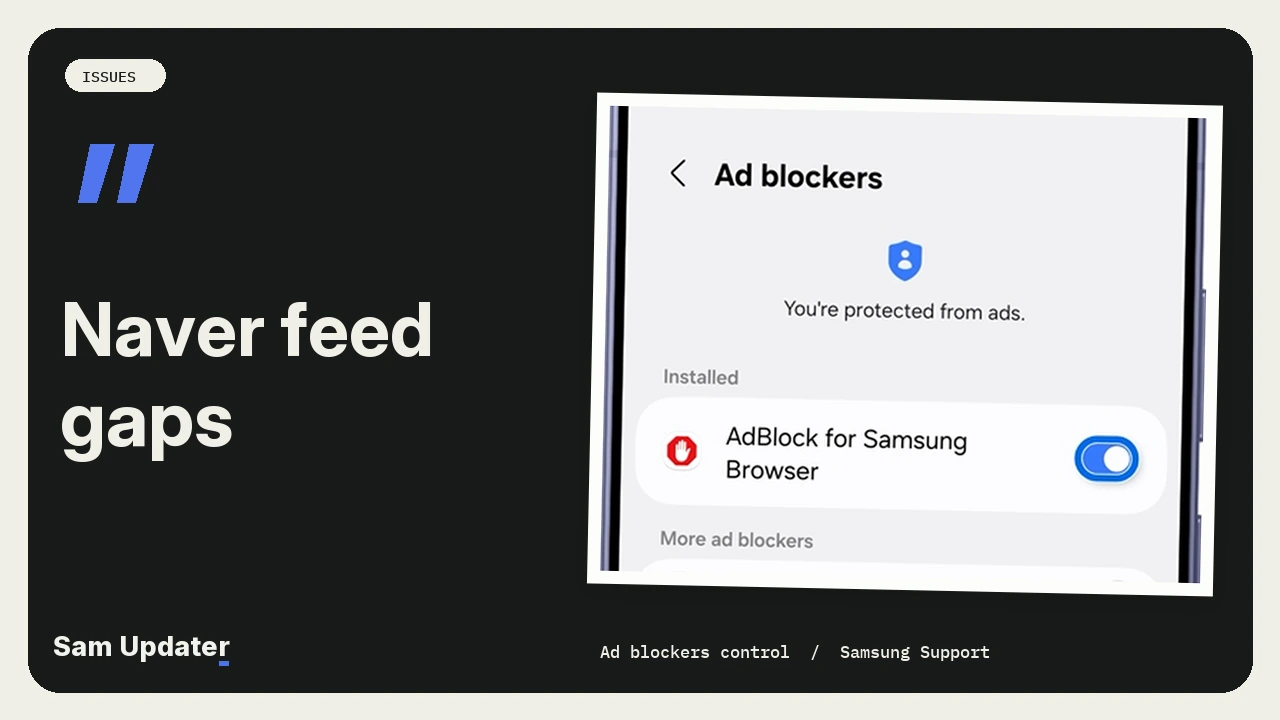
A Korean One UI 9.5 tester got Naver’s feed tiles back in place by turning off ad blocking in Samsung Browser. They confirmed the result on Samsung Members on November 20. If your feed has the same gaps, open Tools and check which ad blocker is on.
One UI 9.5 wasn’t the first time this happened to that owner. They remembered seeing it on One UI 9 as well, which is why they asked whether the app, the phone or a setting was responsible.
Where did the gap appear in Samsung Browser?
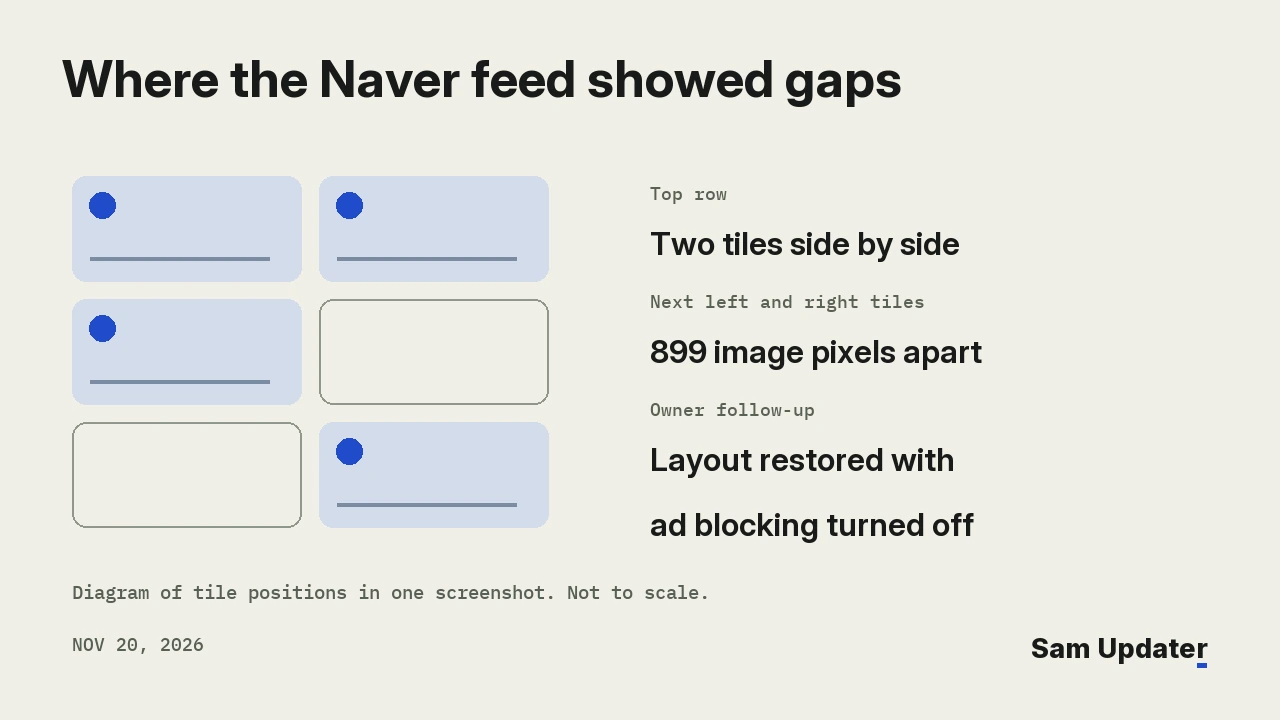
Open the owner’s screenshot and look at Naver’s Recommended tab. Two thumbnails sit side by side at the top. Below them, a third thumbnail sits on the left with a big white space to its right. Farther down, a picture of a Lenovo Legion tablet sits on the right, with blank space to its left.
We checked the original 1,440 by 3,064 image. The next left thumbnail begins about 1,195 pixels from the top. The next right thumbnail begins about 2,094 pixels down. That’s a difference of 899 pixels in the screenshot. Both pictures loaded, along with their captions. It’s their position on the page that catches your eye.
The reply that got the tiles back in place
spheresDH posted the picture at 01:27 UTC. Another member asked at 04:18 UTC whether ad blocking was on. At 06:08 UTC, spheresDH confirmed it was. They tried switching it off and said the layout returned to normal.
The thread doesn’t name the blocker or include a second screenshot after the change. There’s enough there to point another Naver reader toward that switch. There’s no filter name, browser version or firmware build to pin the spacing on.
Which browser did the Korean Galaxy S26 get?
Galaxy Store offered different versions of Samsung Browser when we changed the One UI version in our Korean Galaxy S26, S26+ and S26 Ultra requests. All three models got 31.0.0.81 on One UI 9 and 31.0.2.36 on One UI 9.5. We checked at 07:29 UTC on November 20.
| Korean model checked | One UI 9 | One UI 9.5 |
|---|---|---|
| Galaxy S26 (SM-S942N) | 31.0.0.81 | 31.0.2.36 |
| Galaxy S26+ (SM-S947N) | 31.0.0.81 | 31.0.2.36 |
| Galaxy S26 Ultra (SM-S948N) | 31.0.0.81 | 31.0.2.36 |
We made one more comparison with the S26 Ultra. This time we told Galaxy Store the phone already had 31.0.0.81. On One UI 9, the store said it was up to date. On 9.5, it offered 31.0.2.36. These are store responses. The owner didn’t identify their phone model or say which version they had installed.
If 31.0.0.81 looks familiar, we covered that release in our Samsung Browser 31 update report. The phone software has its own version number, which you’ll see in our Galaxy S26 beta changelog.
Try the ad blocker switch with the same Naver page
Samsung’s browser instructions show the switch next to each installed blocker. Open Samsung Browser, tap Tools (the three dots), then Ad blockers. If several are on, note their names before you change anything.
I’d switch off one blocker, then reload the same Naver tab and look just below the first pair of thumbnails. Turn the blocker back on and reload once more to see whether the gap returns. While its switch is off, that blocker also stops filtering the other pages you open in Samsung Browser.
If you want to check for a browser update, our Galaxy Store update guide shows where to look. Did one particular blocker change the way Naver lines up the tiles on your Galaxy? Tell me its name, your model and your browser version.
Was this guide helpful?
Your answer helps us keep it accurate.
Comments (0)
Comments are moderated, and published only if they are relevant to the topic and add value in a constructive way. If you disagree with something, please be polite and respectful.