
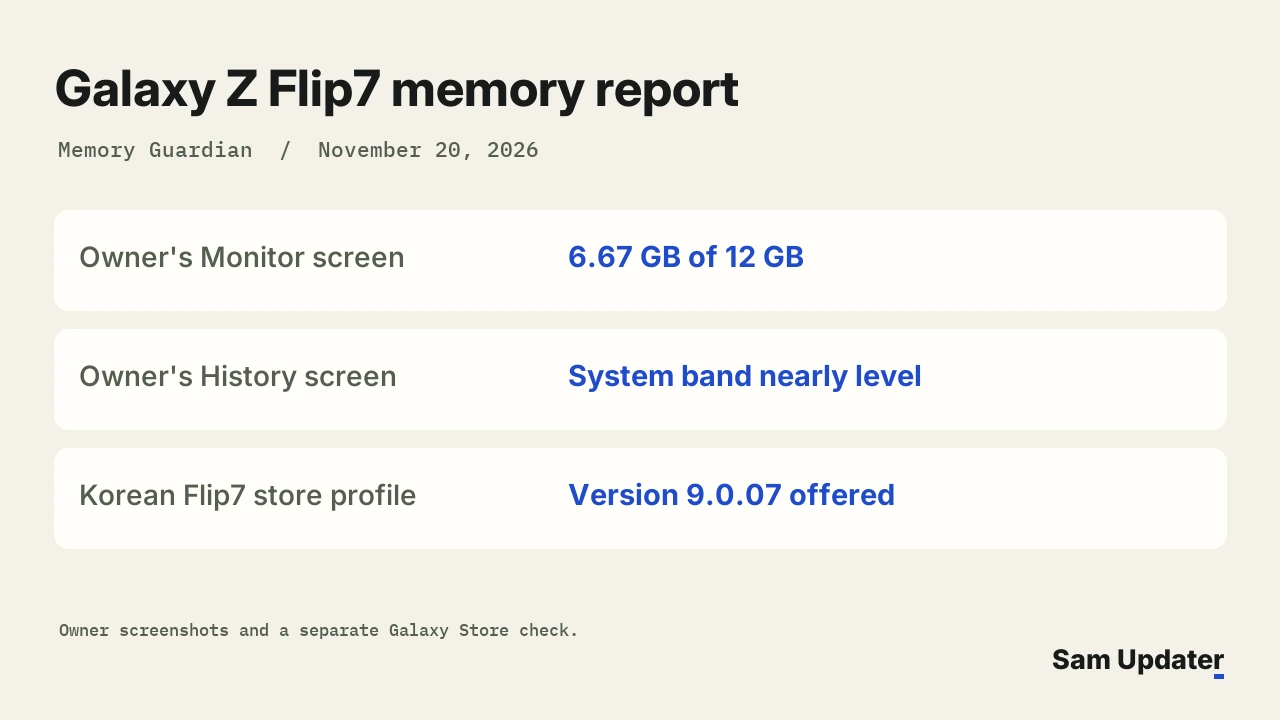
A Galaxy Z Flip7 owner showed a Memory Guardian error on November 20 that leaves one reading in plain sight. The app says it can’t retrieve memory information, yet its Monitor screen still shows 6.67 GB used out of 12 GB. In the original Samsung Members report from Korea, the owner also asks why the System line barely moves in the history chart.
To check which version a Korean Flip7 can get, we asked Galaxy Store directly. It returned Memory Guardian 9.0.07. The owner didn’t give an installed version, so there’s no way to pin the error on that release from this report.
What does the Galaxy Z Flip7 memory graph show?
The warning appears on the Monitor tab. Behind it you can still read the total, the memory capacity and individual app entries. Samsung Browser and Roborock each have a separate reading in megabytes.
On the History tab, several colored bands rise and fall. It’s the narrow System band along the bottom that the owner circled.
Two phones, two different history charts
Look at the dates too. The Flip7 chart runs from October 22 to November 19. The comparison screenshot from another Galaxy runs from October 23 to November 20 and shows several peaks in the System band. The two pictures overlap for most of that time, but they come from different phones. The owner didn’t identify the second one.
That’s why I wouldn’t read the flat-looking band as proof that the Flip7 has run out of RAM. This is one owner’s question about how the app gathers or draws its figures. The pictures don’t tell us when the 6.67 GB reading was last refreshed.
Memory Guardian 9.0.07 on three Flip7 profiles
Our Galaxy Store check at 06:51 UTC on November 20 used Galaxy Z Flip7 profiles running One UI 9. Three markets returned version 9.0.07. All three quoted the same download size, 5,110,642 bytes.
| Galaxy Z Flip7 market | Model checked | Memory Guardian offer |
|---|---|---|
| South Korea | SM-F766N | 9.0.07 |
| Germany | SM-F766B | 9.0.07 |
| United States | SM-F766U1 | 9.0.07 |
| India | SM-F766B | No matching offer |
India and Germany make a useful pair here. Both queries used the international Flip7 model, SM-F766B, on One UI 9. Samsung returned a package for Germany and no matching download for India. If you use that model, include your country when you compare notes with another owner. The model number alone doesn’t identify which store result you should expect.
Good Guardians lists Memory Guardian as its tool for tracking and clearing memory. In the Korean Galaxy Store listing, the 9.0.07 notes mention One UI 9 support. They say nothing about repairing the history graph.
Those store checks tell you which version to compare with yours. If you want to check for a newer copy of the app, our Galaxy Store update guide shows where to find pending downloads.
Compare the reading before pressing Clean now
On your Flip7, open Settings > Device care > Memory to see the phone’s current memory information. Samsung’s Device care guide explains that Clean now stops background apps to free up memory. I’d leave that button alone long enough to note the readings in both places. Pressing it changes what you’re trying to compare.
If your real concern is an app repeatedly closing in the background, our Galaxy performance guide covers that symptom separately. And if you’re looking for the feature that organizes screenshots and notes, that’s the Samsung Memory app. It has a similar name but does a different job.
If the warning comes back, take one screenshot of Monitor and another of History before sending an error report through Samsung Members. Does your Flip7 still show a memory total under the message? Tell me your One UI version and the Memory Guardian version alongside it.
Was this guide helpful?
Your answer helps us keep it accurate.
Comments (0)
Comments are moderated, and published only if they are relevant to the topic and add value in a constructive way. If you disagree with something, please be polite and respectful.