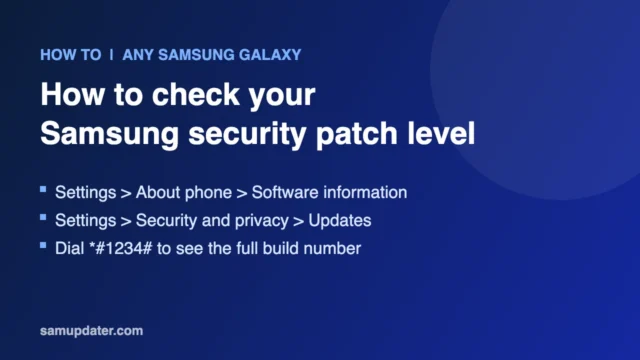
How to Check the Security Patch Level on a Samsung Galaxy
Here are three quick ways to check the security patch level on any Samsung Galaxy phone, and how to tell if your patch is out of date.

Reviewer
Here are three quick ways to check the security patch level on any Samsung Galaxy phone, and how to tell if your patch is out of date.
Check a Galaxy error screen after One UI 9. Compare the original Safe mode workaround, Samsung Account advice and recovery options before erasing data.
Seeing "Couldn't install update" on your Samsung Galaxy? These are the fixes that work, from freeing storage to using Smart Switch on a PC.
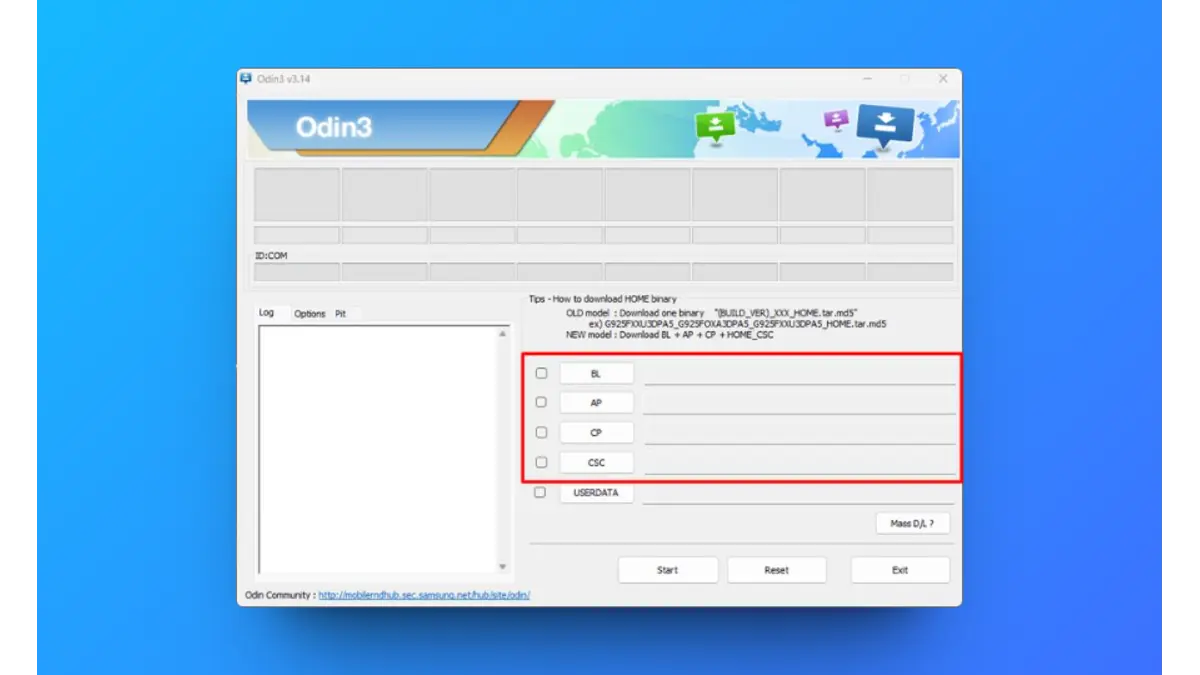
Install One UI 9 firmware on your Galaxy S26 with Odin. Check the exact model and build, prepare a backup and choose the right firmware files.
Back up your Samsung Galaxy before installing One UI 9. Step-by-step guide for Samsung Cloud, Google Drive and Smart Switch on a PC or Mac.
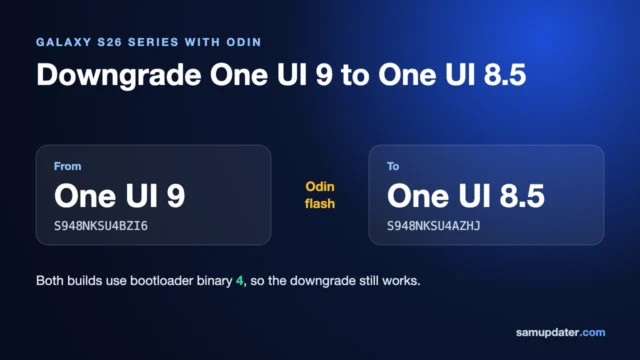
Check whether your Galaxy can downgrade from One UI 9 to One UI 8.5. Compare exact Samsung builds, rollback revisions and backup requirements.
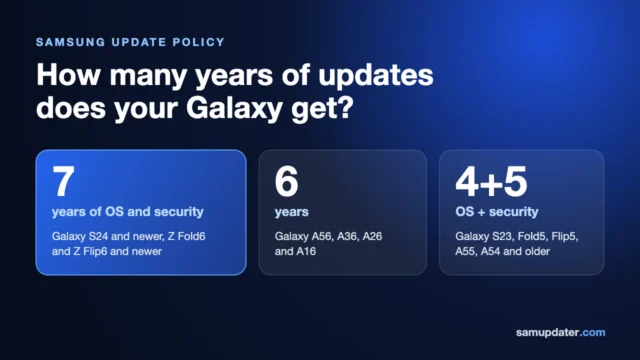
Compare Samsung update policies by Galaxy model, including FE phones and older A-series models. Check OS upgrade counts, launch versions and security support.
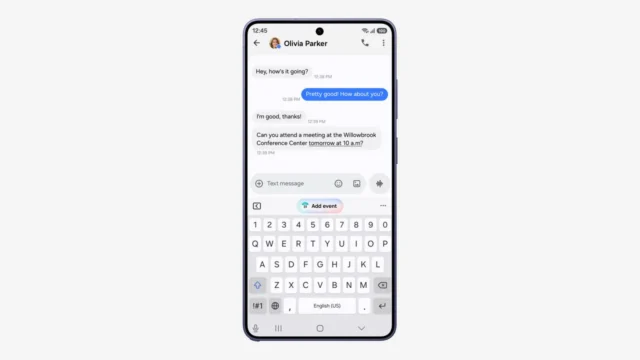
One UI 9 not showing on your Galaxy? Check the model, CSC, original carrier and Smart Switch, then separate a missing release from a failed installation.
Check One UI 9 beta registration in Samsung Members, distinguish an old program notice from current availability, and compare your model's stable release.
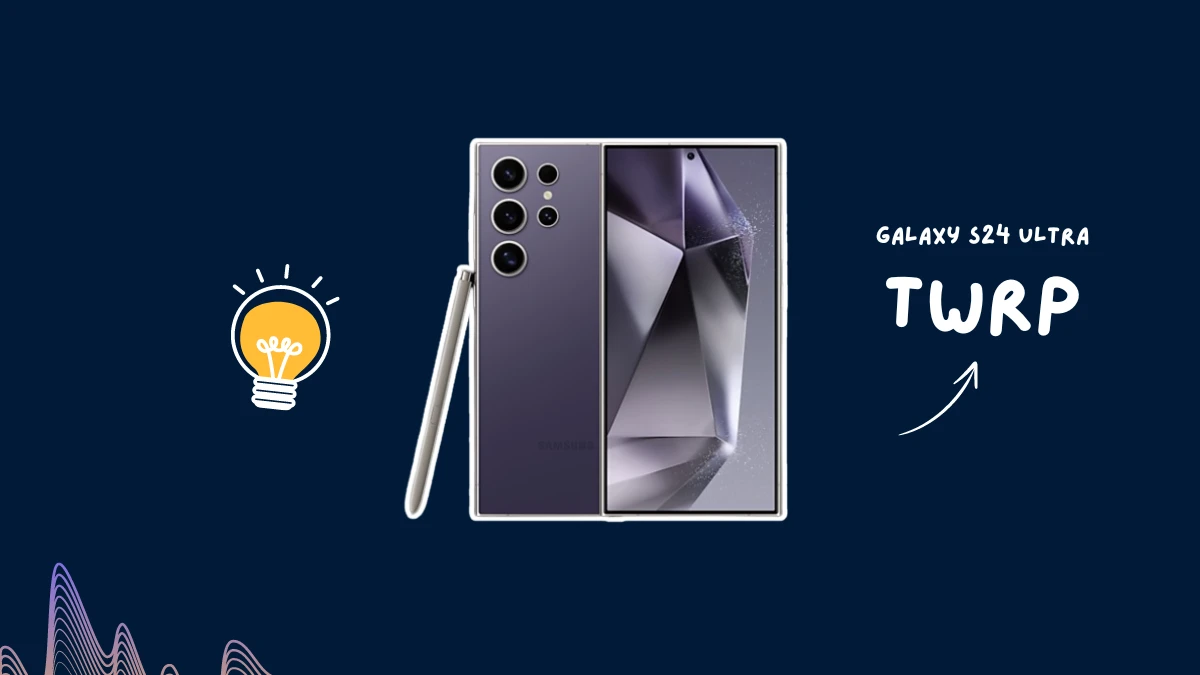
Install official TWRP on the Galaxy S24 Ultra e3q, with the correct device page, dynamic-partition notes and Odin instructions.