
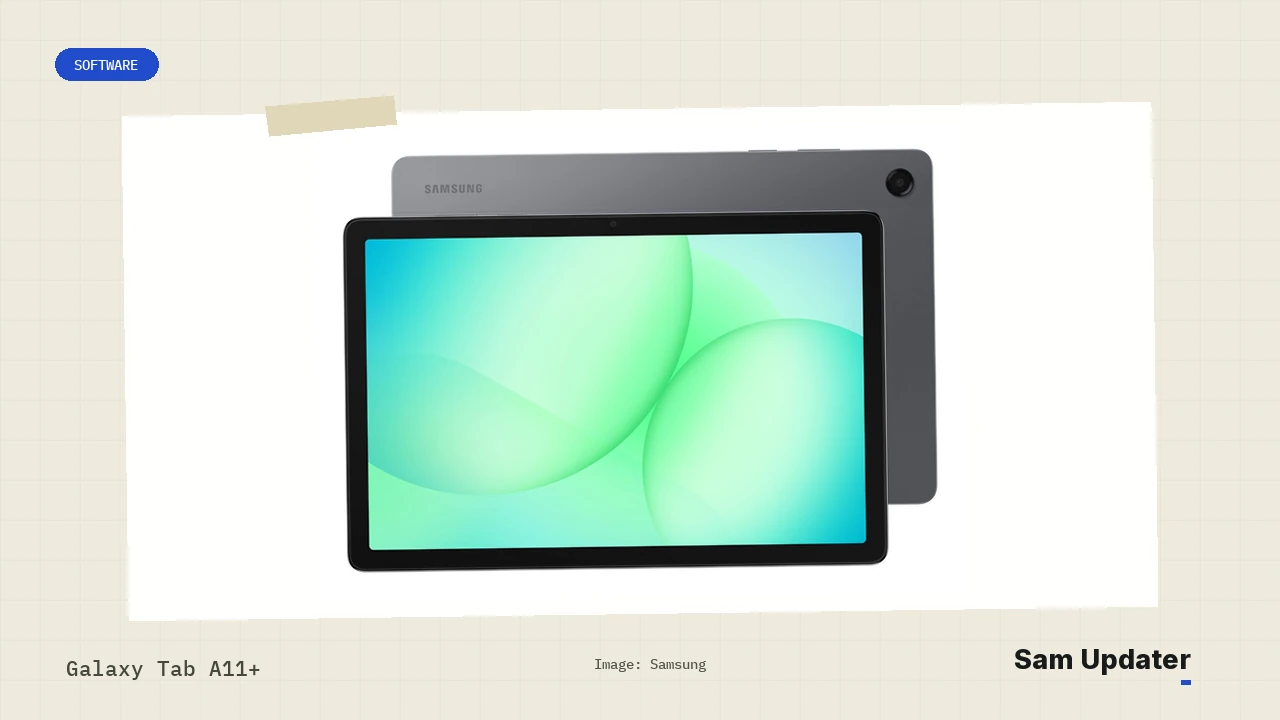
The Galaxy Tab A11+ One UI 9 update is rolling out in South Korea. On November 18, I checked Samsung’s firmware records for both versions of the tablet. The Wi-Fi model has Android 17 build X230XXU7CZK7, while the Korean 5G model has X236NKOU7CZK7.
If you have the Wi-Fi version in India or Europe, there’s a detail that matters here. Samsung sells the same SM-X230 model in those markets, but both channels still showed Android 16 when I checked. If you bought yours abroad, our guide to finding your Samsung software region explains where to look for the three-letter code.
Which Galaxy Tab A11+ models have Android 17?
Samsung lists Android 17 for the SM-X230 and SM-X236N on KOO, its South Korean software channel. Both builds end in CZK7. The letters at the beginning tell you which tablet each one belongs to, so compare the whole build number with the one in Settings.
| Galaxy Tab A11+ version | Software channel checked | Latest build | Android |
|---|---|---|---|
| Wi-Fi (SM-X230) | South Korea (KOO) | X230XXU7CZK7 | 17 |
| 5G (SM-X236N) | South Korea (KOO) | X236NKOU7CZK7 | 17 |
| Wi-Fi (SM-X230) | Europe (EUX), India (INS), Canada (XAC) | X230XXS7BZI3 | 16 |
| 5G (SM-X236B) | Europe (EUX), India (INS) | X236BXXS7BZI3 | 16 |
| 5G (SM-X238U1) | US unlocked (XAA) | X238U1UES8BZI3 | 16 |
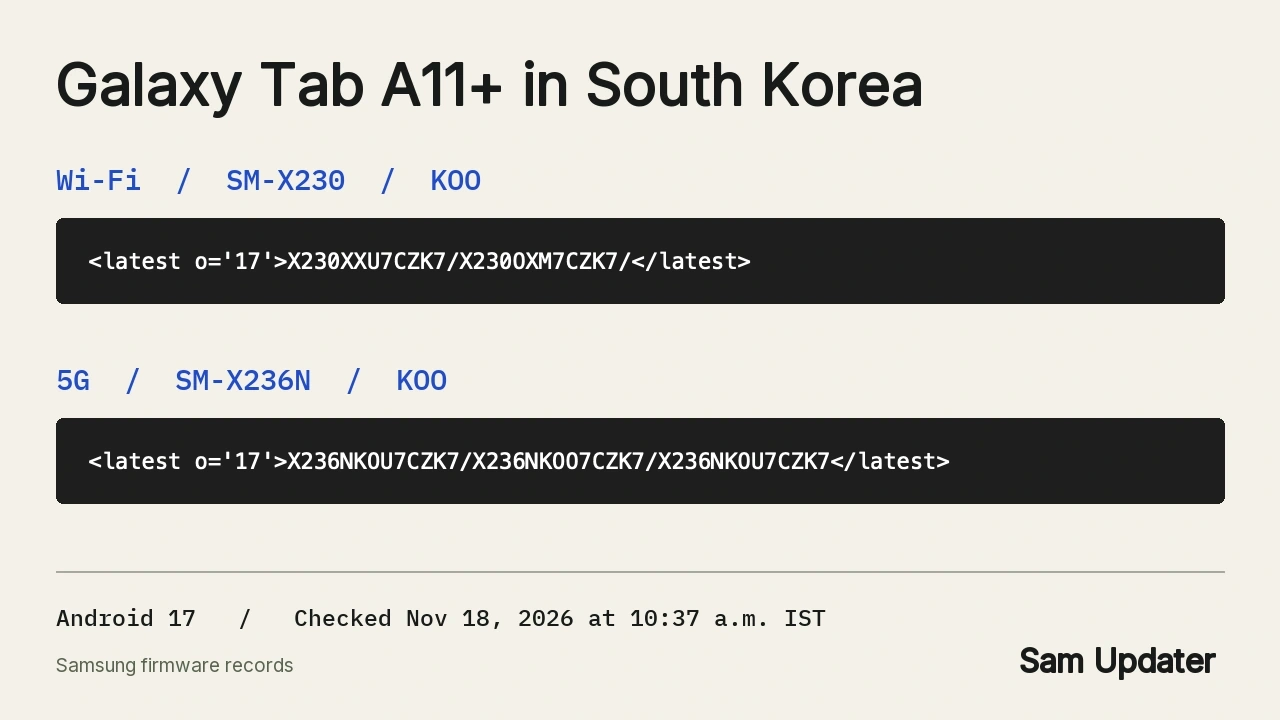
I checked these eight model and region combinations between 10:11 and 10:17 a.m. IST on November 18. The Wi-Fi results show why searching for SM-X230 alone can give you the wrong answer. And if you bought the 5G version in India, the model number itself differs from the Korean one by its last letter.
Why Samsung’s release notes still show September
Samsung’s download records moved ahead of its public changelog. When I opened the Korean Wi-Fi release history, it still showed September 17 at the top, with Android 16 build X230XXS7BZI3. The Korean 5G history also stopped at September 17, on X236NKOS7BZI3.
That September entry describes the previous update. If you’re looking up the security patch or the list of changes for CZK7, read the details on your tablet’s update screen. The patch date beside BZI3 belongs to the older build.
Check the update on your own tablet
Open Settings > About tablet for your model number. On a Korean SM-X230, for example, look for X230XXU7CZK7 when you open Settings > Software update > Download and install. Samsung’s tablet update instructions also cover checking through Smart Switch if you normally update from a computer.
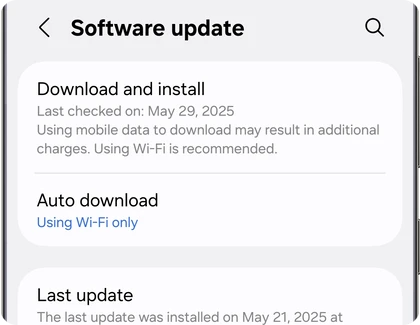
After the restart, go back to About tablet and open Software information to see the installed Android version and build. If you’re checking a Tab S series model for someone else, our Galaxy Tab S update guide lists those models separately.
FAQ
Does this include the smaller Galaxy Tab A11?
This check covers the Galaxy Tab A11+. Samsung also makes a Galaxy Tab A11, which has its own entry in our One UI 9 device list. If yours says Tab A11 without the plus sign, neither Korean build in the table matches your tablet.
Is there a release date for my country?
The Indian, European, Canadian and US records I checked show the current software for those channels. They don’t give a date for the next download. If your tablet shows a newer build, leave the model number and country with it so I can check the right version.
Was this guide helpful?
Your answer helps us keep it accurate.
Comments (0)
Comments are moderated, and published only if they are relevant to the topic and add value in a constructive way. If you disagree with something, please be polite and respectful.