
Update: November 18, 2026. The Galaxy Tab One UI 9 update reached the Wi-Fi Tab S10+ and Tab S10 Ultra on Samsung’s European EUX channel on November 17. If you have a Wi-Fi Tab S9, check your region. Samsung lists Android 17 for three Tab S9 models in South Korea, while their EUX records still show Android 16.
Update: November 11, 2026. Added Samsung’s Hong Kong Tab S11 Ultra record and November 5 European Tab S11 and Korean Tab S10 releases.
Galaxy Tab One UI 9 update status by region
Find your model and software region in the table. The release date is the day Samsung lists for the One UI 9 upgrade. If your tablet already has Android 17, you may see a newer security update at the top of the linked release history.
| Galaxy tablet | Model | Region / CSC | One UI 9 build | Release date |
|---|---|---|---|---|
| Tab S10 Ultra (Wi-Fi) | SM-X920 | Europe / EUX | X920XXUBEZJ5 | November 17, 2026 |
| Tab S10+ (Wi-Fi) | SM-X820 | Europe / EUX | X820XXUBEZJ5 | November 17, 2026 |
| Tab S9 Ultra (Wi-Fi) | SM-X910 | South Korea / KOO | X910XXU6FZK2 | November 16, 2026 |
| Tab S9+ (Wi-Fi) | SM-X810 | South Korea / KOO | X810XXU6FZK2 | November 16, 2026 |
| Tab S9 (Wi-Fi) | SM-X710 | South Korea / KOO | X710XXU6FZK2 | November 16, 2026 |
| Tab S11 Ultra | SM-X930 | Hong Kong / TGY | X930XXU9CZJ6 | November 11, 2026 |
| Tab S11 Ultra | SM-X930 | Europe / EUX | X930XXU9CZJ6 | November 5, 2026 |
| Tab S11 | SM-X730 | Europe / EUX | X730XXU9CZJ6 | November 5, 2026 |
| Tab S11 Ultra | SM-X930 | South Korea / KOO | X930XXU9CZJ6 | October 29, 2026 |
| Tab S11 | SM-X730 | South Korea / KOO | X730XXU9CZJ6 | October 29, 2026 |
| Tab S11 Ultra 5G | SM-X936N | South Korea / KOO | X936NKOU9CZJ5 | October 29, 2026 |
| Tab S11 5G | SM-X736N | South Korea / KOO | X736NKOU9CZJ5 | October 29, 2026 |
| Tab S10 Ultra | SM-X920 | South Korea / KOO | X920XXUBEZJ5 | November 5, 2026 |
| Tab S10+ | SM-X820 | South Korea / KOO | X820XXUBEZJ5 | November 5, 2026 |
On the Tab S10+, both the Korean and European versions use X820XXUBEZJ5. The Tab S10 Ultra also has the same build in both regions, X920XXUBEZJ5. Samsung dates the Korean releases November 5 and the European ones November 17.
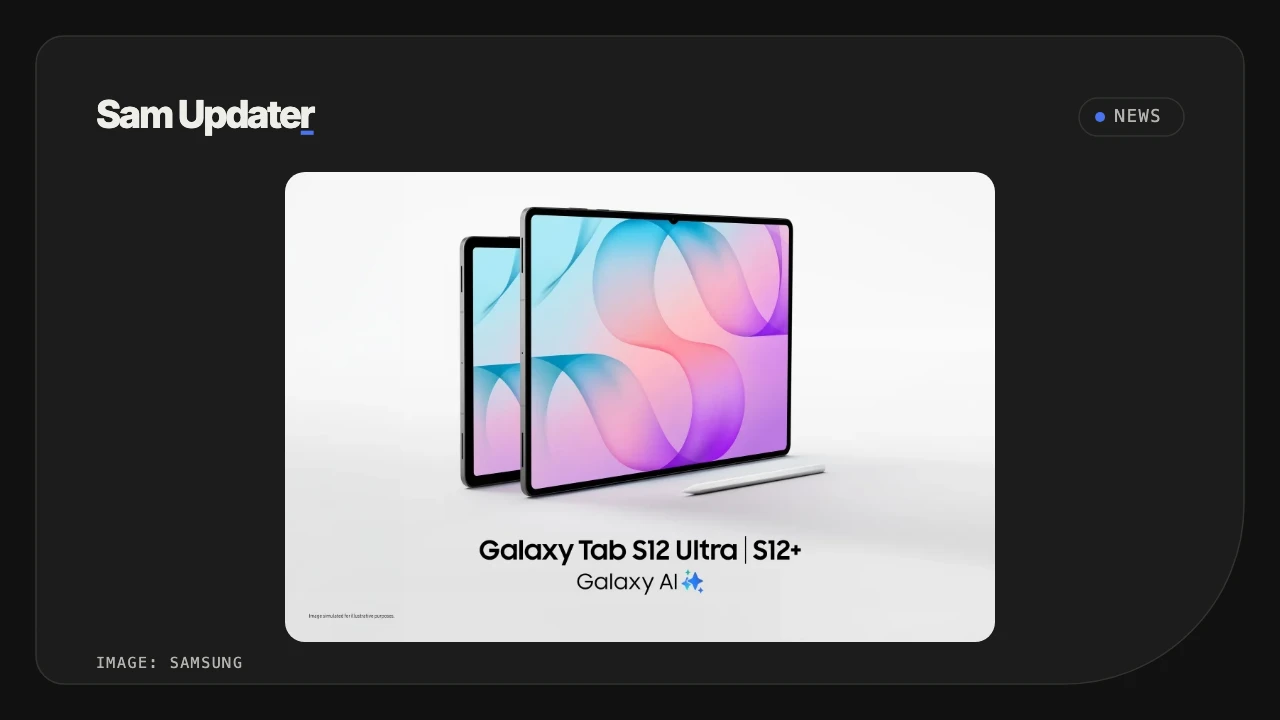
For the newer tablet family, read our first Galaxy Tab S12 update report from South Korea.
Which Galaxy Tab S9 models are still on Android 16 in Europe?
I checked Samsung’s EUX release histories on November 18. The Wi-Fi Tab S9, S9+, S9 Ultra and S9 FE still list Android 16 with the September 5 security patch. Look for your full model number below if you bought a European tablet.
| Galaxy tablet | Model | Latest EUX build | Release date |
|---|---|---|---|
| Tab S9 Ultra | SM-X910 | X910XXS6EZI2 | September 24, 2026 |
| Tab S9+ | SM-X810 | X810XXS6EZI2 | September 24, 2026 |
| Tab S9 | SM-X710 | X710XXS6EZI2 | September 24, 2026 |
| Tab S9 FE | SM-X510 | X510XXSGEZI3 | September 22, 2026 |
Use the live tablet tracker alongside Samsung’s records
Our tracker follows the tablet models and channels it monitors. A result saying No matching release recorded means the tracker has no matching entry in that coverage. For a model-specific decision, open its Samsung history above and compare the complete build.
Live data from Samsung's official release notes. Last checked Nov 21, 2026, 00:05 UTC.
| Device | One UI 9 status | First release | First build |
|---|---|---|---|
| Galaxy Tab S10 Ultra (Wi-Fi) | Rolling out (5 regions) | Nov 5, 2026, South Korea | X920XXUBEZJ5 |
| Galaxy Tab S10+ (Wi-Fi) | Rolling out (5 regions) | Nov 5, 2026, South Korea | X820XXUBEZJ5 |
| Galaxy Tab S9 Ultra (Wi-Fi) | Rolling out (1 region) | Nov 16, 2026, South Korea | X910XXU6FZK2 |
| Galaxy Tab S9+ (Wi-Fi) | Rolling out (1 region) | Nov 16, 2026, South Korea | X810XXU6FZK2 |
| Galaxy Tab S9 (Wi-Fi) | Rolling out (1 region) | Nov 16, 2026, South Korea | X710XXU6FZK2 |
| Galaxy Tab S9 FE (Wi-Fi) | No matching release recorded | - | - |
| Galaxy Tab S11 Ultra (Wi-Fi) | Rolling out (13 regions) | Oct 29, 2026, South Korea | X930XXU9CZJ6 |
| Galaxy Tab S11 Ultra 5G | Rolling out (28 regions) | Oct 29, 2026, South Korea | X936NKOU9CZJ5 |
| Galaxy Tab S11 (Wi-Fi) | Rolling out (15 regions) | Oct 29, 2026, South Korea | X730XXU9CZJ6 |
| Galaxy Tab S11 5G | Rolling out (31 regions) | Oct 29, 2026, South Korea | X736NKOU9CZJ5 |
This table covers the models and firmware channels monitored by our tracker. A missing record does not confirm that an update is unavailable elsewhere.
For the Galaxy Tab One UI 9 update on your own model, enter the full model and regional code in our Samsung firmware checker. The main One UI 9 update tracker also covers phones.
Check your tablet before downloading
To check the Galaxy Tab One UI 9 update on your device, open Settings > About tablet > Software information and read the installed version. Samsung’s US phone and tablet update guide explains the updater and notes that labels vary by model and carrier.
- Note your model number under Settings > About tablet.
- In Software information, record the Android version, One UI version and build number.
- Find your regional software code where available. Our Samsung CSC guide explains where to look.
- Open Settings > Software update > Download and install, or the equivalent update-check option on your tablet.
- Read the offered build and follow the installation prompts.
Back up important files before installing. Smart Switch on a Windows PC or Mac is another supported option: Samsung says it displays Update when a software release is available for the connected device. Keep the USB cable connected until it finishes.
If Samsung lists a newer build for your channel but Settings offers nothing, our One UI 9 update-not-showing guide covers the next checks. I wouldn’t choose another model’s firmware just to match a rollout reported elsewhere.
FAQ
Which patch date should I see after the Galaxy Tab One UI 9 update?
If you just installed EZJ5 on your European Tab S10+ or Tab S10 Ultra, September 5, 2026 is the patch date Samsung lists for that build. November 17 is when Samsung released it on EUX. The Korean Tab S9 builds ending in FZK2 carry a different patch, dated November 5.
What if my tablet’s model or regional code isn’t in these tables?
Use the firmware checker for that exact combination. If you need help, leave your tablet’s model number, country or carrier, current build and the message on the update screen. Those details will help me find the right record. Keep your IMEI and serial number private.
Was this guide helpful?
Your answer helps us keep it accurate.
Comments (0)
Comments are moderated, and published only if they are relevant to the topic and add value in a constructive way. If you disagree with something, please be polite and respectful.