
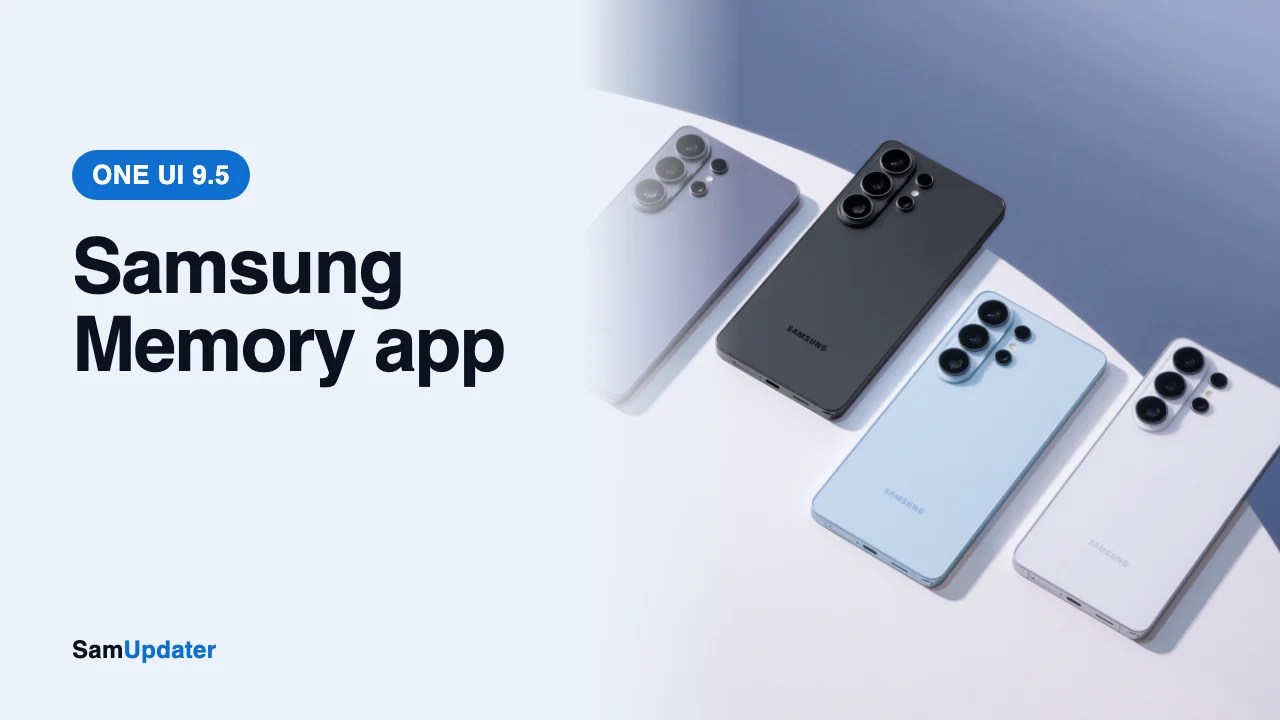
Samsung is building a new Samsung Memory app for One UI 9.5 that saves screenshots, photos, text and voice notes in one place, then uses AI to name, describe and tag them. The first look came from an exclusive SammyGuru report on November 8, 2026, with screenshots of the app.
If you’ve seen Pixel Screenshots on Google’s phones, you already get the idea. Samsung hasn’t announced Memory, and you can’t install it yet.
What the Samsung Memory app does
Memory starts empty. You fill it with screenshots, images from your gallery, blocks of text or voice notes.
The clever part is context. Each saved item remembers where it came from. Save something from Samsung Internet, for example, and the app keeps details from that webpage plus a link back to it.
That link back matters more than it sounds. A plain screenshot loses the page it came from, so finding the original article later means searching all over again. Memory keeps the path.
Then the AI steps in. It renames the item, writes a short description and adds tags. Items are sorted by the app you captured them from, so all your Instagram saves sit together.
There’s more. You can group items into collections and ask for an AI summary of everything in a collection. The report also mentions semantic search, so you should be able to search by meaning rather than exact words.
Three ways to save to the Samsung Memory app
One UI 9.5 adds a few shortcuts for getting things into the app, according to the report:
- Share an image, file or link to Memory from the share menu.
- Press the Side and Volume up buttons together to start a voice memo.
- Swipe down with three fingers to capture whatever is on your screen, with a new animation.
None of these replace the normal screenshot shortcut. The three-finger swipe is the one I’d use most. Today a screenshot on a Galaxy just lands in your gallery, as we explain in our Galaxy screenshot guide. Memory would give those captures a proper home.
How it compares with Pixel Screenshots and Mind Space
Samsung is late here. Google has Pixel Screenshots and Oppo has Mind Space, and both store and sort what you save.
Samsung already has an app like this in China, called Collection. Memory looks like a wider version of that idea, with the same collections feature carried over.
| App | Brand | Where it is now |
|---|---|---|
| Memory | Samsung | In development for One UI 9.5 |
| Collection | Samsung | China |
| Pixel Screenshots | Pixel phones | |
| Mind Space | Oppo | Oppo phones |
Which Galaxy phones will support the Samsung Memory app?
The report found no device gates in the app. You’ll need One UI 9.5 for the new gestures, though, so your phone has to be in line for that update first.
The AI work happens in the cloud. The app targets Samsung’s SPAC cloud with the gemma-4-31b model and falls back to Gemini 3.1 Flash Lite if that fails. So you’ll likely need an internet connection for the naming, tags and summaries.
What about cost? There’s no evidence yet that Memory is tied to the paid plan Samsung is testing, which we covered in our Galaxy AI Premium post.
When could you get it?
Samsung hasn’t given a date for One UI 9.5 or its beta. The first beta build for the Galaxy S26 Ultra turned up on November 4, as we reported in our One UI 9.5 beta build post, so testing is already moving. We covered other early 9.5 changes in our One UI 9.5 Clock app post, and our One UI 9.5 hub tracks which phones should get it.
Would you use Memory over your gallery for screenshots? Tell me your Galaxy model and what you’d save first.
Was this guide helpful?
Your answer helps us keep it accurate.
Comments (0)
Comments are moderated, and published only if they are relevant to the topic and add value in a constructive way. If you disagree with something, please be polite and respectful.