Samsung Driving Report: Settings, Trips and Privacy
Find Samsung Driving Report on One UI 9, review its permissions, manage Bluetooth trip recording, and separate confirmed controls from early reports.

Reviewer
Find Samsung Driving Report on One UI 9, review its permissions, manage Bluetooth trip recording, and separate confirmed controls from early reports.
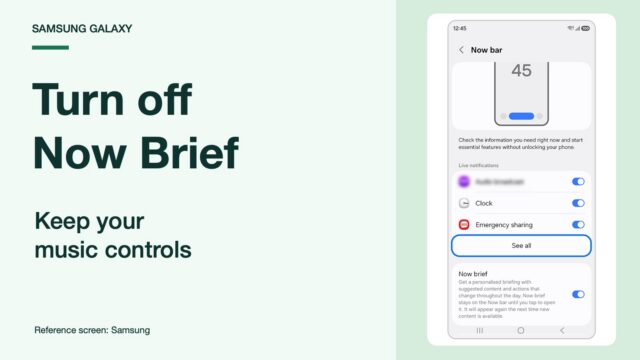
Turn off Now Brief on your Samsung lock screen while keeping music controls. Remove its Home screen widget and check the missing-switch workaround.
Archive button missing on your Galaxy after One UI 9? Compare app options, check older Device care advice, and understand Play Store automatic archiving.
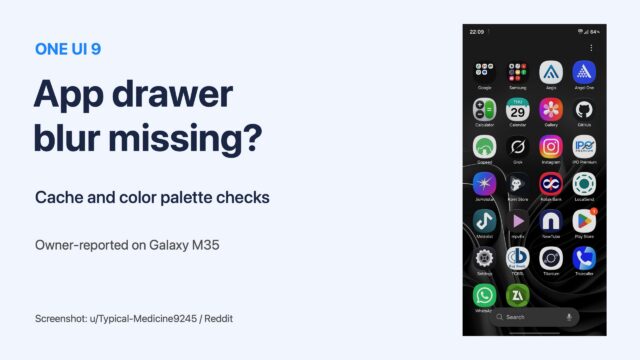
One UI 9 app drawer or folder blur missing? Follow the cache and color palette checks Galaxy owners tried, with Samsung steps and clear limits.
Find Samsung AI Network Guard, restrict an offline app, and check cached ads, Guardian PIN settings and compatibility before blocking internet access.
Google search bar on your Galaxy home screen after One UI 9? Turn it off in Home screen settings with Show search on Home screen. Steps and Finder explained.
Wipe cache partition missing on your Samsung? Compare the reported recovery builds, check your own menu and choose troubleshooting for the actual symptom.
Restore your Samsung temporary cloud backup using the same Samsung account. Check the restore menu, Wi-Fi requirement, backup expiry, and missing-data checks.
Read the Download mode message behind Odin FAIL! (Auth), check your model and firmware revision, and choose the next step before retrying a failed flash.
OEM unlocking missing on your Samsung Galaxy? Check Developer options, the exact build, OEM Lock and KnoxGuard before considering firmware modifications.