Odin Stuck on SetupConnection? Check the USB Connection
Odin stuck on SetupConnection? Check the full log, cable, USB port and Samsung driver before retrying. Learn when to stop and get device-specific help.
Category
Odin stuck on SetupConnection? Check the full log, cable, USB port and Samsung driver before retrying. Learn when to stop and get device-specific help.
Seeing the Samsung software version not supported error? Record your model and build, check Smart Switch, and know when to contact Samsung or your carrier.
Samsung recovery mode not working? Check the USB connection, model-specific buttons and restart timing before considering a reset or service visit.
Find Samsung Driving Report on One UI 9, review its permissions, manage Bluetooth trip recording, and separate confirmed controls from early reports.
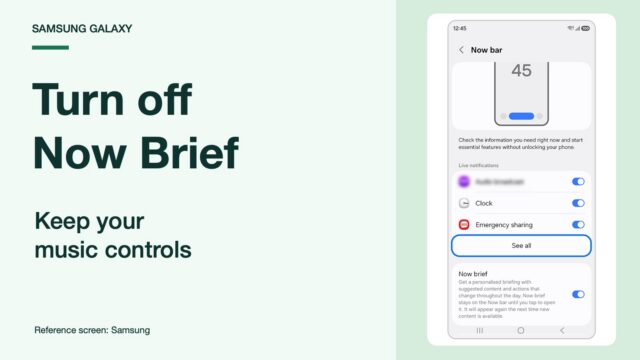
Turn off Now Brief on your Samsung lock screen while keeping music controls. Remove its Home screen widget and check the missing-switch workaround.
Archive button missing on your Galaxy after One UI 9? Compare app options, check older Device care advice, and understand Play Store automatic archiving.
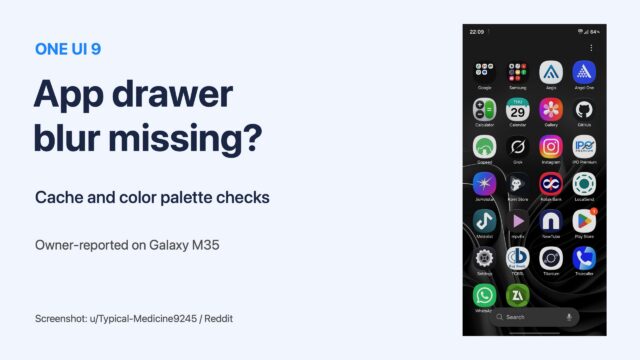
One UI 9 app drawer or folder blur missing? Follow the cache and color palette checks Galaxy owners tried, with Samsung steps and clear limits.
Find Samsung AI Network Guard, restrict an offline app, and check cached ads, Guardian PIN settings and compatibility before blocking internet access.
Google search bar on your Galaxy home screen after One UI 9? Turn it off in Home screen settings with Show search on Home screen. Steps and Finder explained.
Wipe cache partition missing on your Samsung? Compare the reported recovery builds, check your own menu and choose troubleshooting for the actual symptom.