
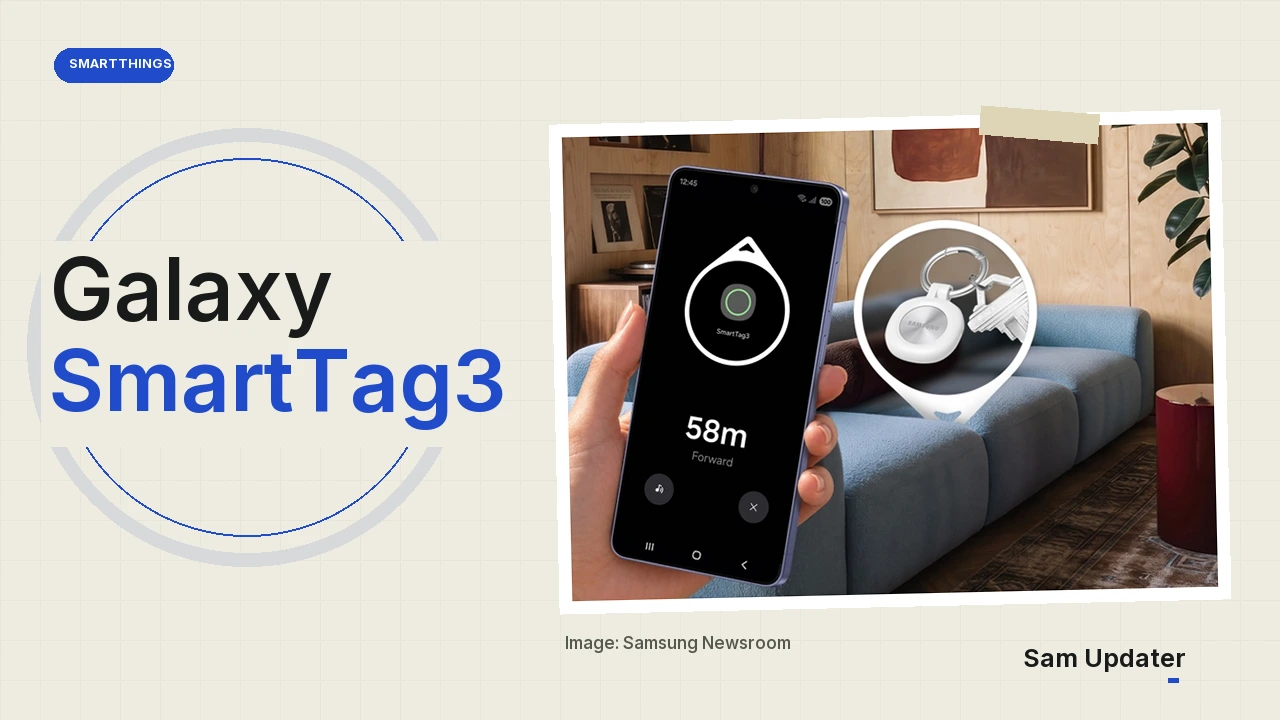
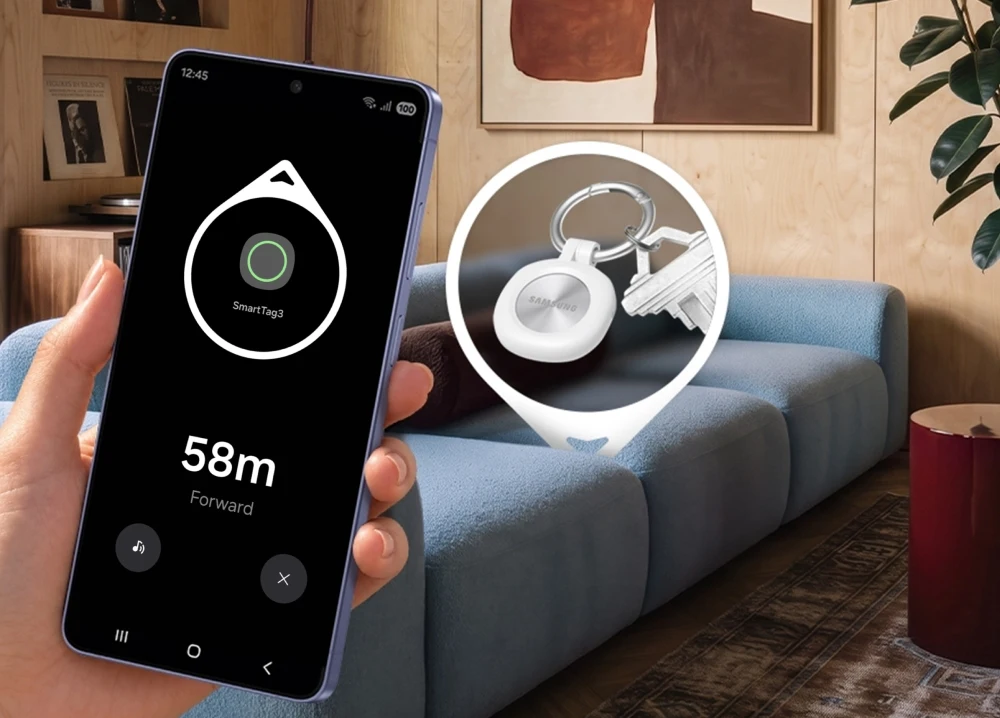
Samsung explained on November 23 how Compass View on Galaxy SmartTag3 can point you toward lost keys from up to 60 meters away. Check your Galaxy model before you count on that range, since only four phones support the Bluetooth 6.0 feature that makes it possible.
In its SmartTag3 technology breakdown, Samsung puts the maximum range of Compass View at about three times that of SmartTag2. That distance assumes a clear line of sight. A wall between you and your keys, or electronics close by, can shorten the range and affect where the arrow points.
Which Galaxy phones get the full 60 meters?
You get Channel Sounding on the Galaxy S26+ and Galaxy S26 Ultra, and on both the Galaxy Z Fold8 and Galaxy Z Fold8 Ultra. Your phone and tag work out the distance by comparing how long radio signals take to travel and how their phase changes across several channels. Within 20 meters, a phone with ultra-wideband (UWB) can guide you more precisely.
On US Galaxy S25 phones, the model name under Settings > About phone makes a difference. I checked the connectivity row in Samsung’s US Galaxy S25 spec sheet.
With an S25+ or S25 Ultra, UWB lets you use Compass View up close. On the base S25, you can watch the Bluetooth signal strength as you walk around or ring the tag once it’s connected.
Compare the three ranges before you look for a tag
The longest distance in Samsung’s US SmartTag3 specifications is 120 meters. That’s the reach of ordinary Bluetooth Low Energy (BLE). At that distance, signal strength can tell you that you’re getting closer. For an arrow on the screen, your phone and tag need to be within one of the shorter ranges below.
| SmartTag3 feature | Samsung’s figure | What to check |
|---|---|---|
| Bluetooth signal strength | Up to 120 m | Basic nearby search over BLE |
| Compass View at a distance | Up to 60 m | One of the four Channel Sounding phones above |
| Close-range guidance | Within 20 m | A UWB-equipped Galaxy |
| Tag body | 9.15 g | About 33% lighter and 35% smaller by volume than SmartTag2 |
| Battery life | Up to 550 days standard or 790 days in Power Saving | Replaceable CR2032 cell |
| Location History | Up to 7 days | Detections on the Galaxy Find Network |
| Setup | Galaxy with Android 12 or later, or iOS 17 or later | SmartThings and a Samsung account. Compass View requires compatible Galaxy hardware. |
What do you give up for 790 days of battery life?
Power Saving keeps basic Bluetooth finding available, but you may lose Compass View and the controls for ringtone and volume. If you want an arrow to guide you back to your bag, leave the tag in standard mode.
Both battery estimates come from Samsung’s lab simulation using a pre-release tag and the CR2032 it ships with. How often you use each function, the conditions where you keep the tag and the replacement cell you buy can all change how long yours lasts.
Read the last sighting in SmartThings
Once your bag leaves your phone’s Bluetooth range, another Galaxy device with offline finding enabled can pick up the tag’s signal and relay its location. SmartThings keeps those sightings in time order for seven days, then deletes the older entries. A gap between two points on the map means you don’t know where the bag went in between.
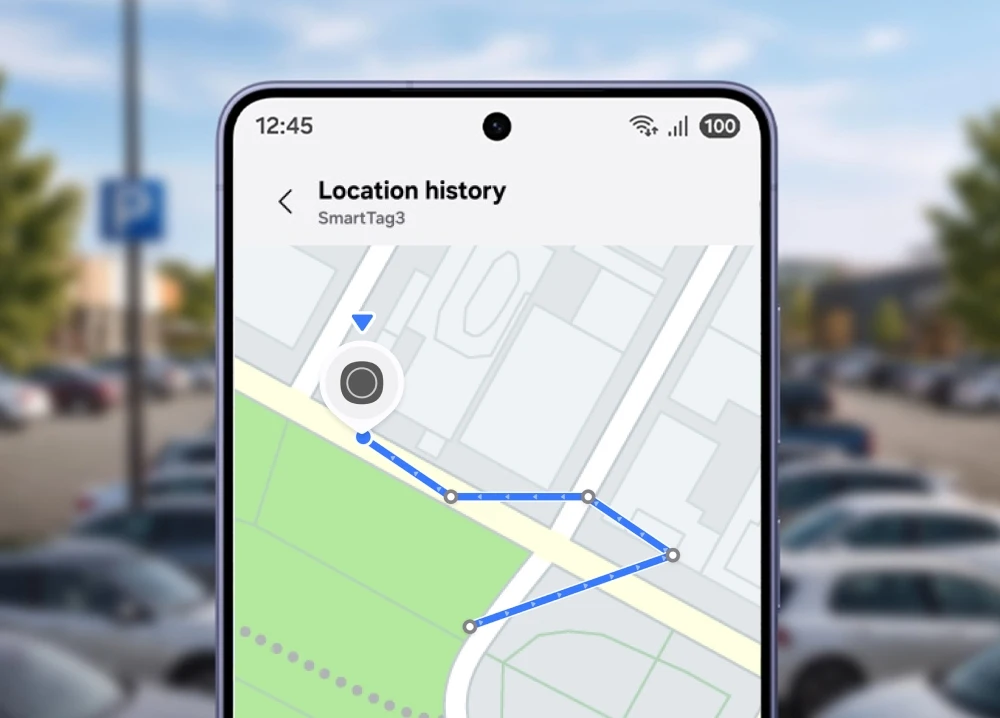
On a Galaxy, Samsung’s SmartThings Find instructions start at SmartThings > Life > Find. Sign in to your Samsung account and select your tag on the map.
If you dismissed the location prompt, open Settings > Apps > SmartThings > Permissions. Our Galaxy app permissions guide shows the choices on that screen.
At home, a compatible Smart Home Hub or a Samsung TV with a built-in hub can now alert you when the tag arrives or leaves. If your app still has the older layout, our tour of the SmartThings tabs and Galaxy app update guide show where to look.
You can read your Android version under Settings > About phone > Software information and check for newer firmware in the Sam Updater Android app.
Sharing the tag with someone on an iPhone? They can view a shared location. Compass View, Ring Phone and Left Behind Alert are unavailable on iOS. If you’re seeing a different set of controls, tell me your phone model and which option appears in SmartThings.
Was this article helpful?
Your answer helps us keep it accurate.
Comments (0)
Comments are moderated, and published only if they are relevant to the topic and add value in a constructive way. If you disagree with something, please be polite and respectful.