
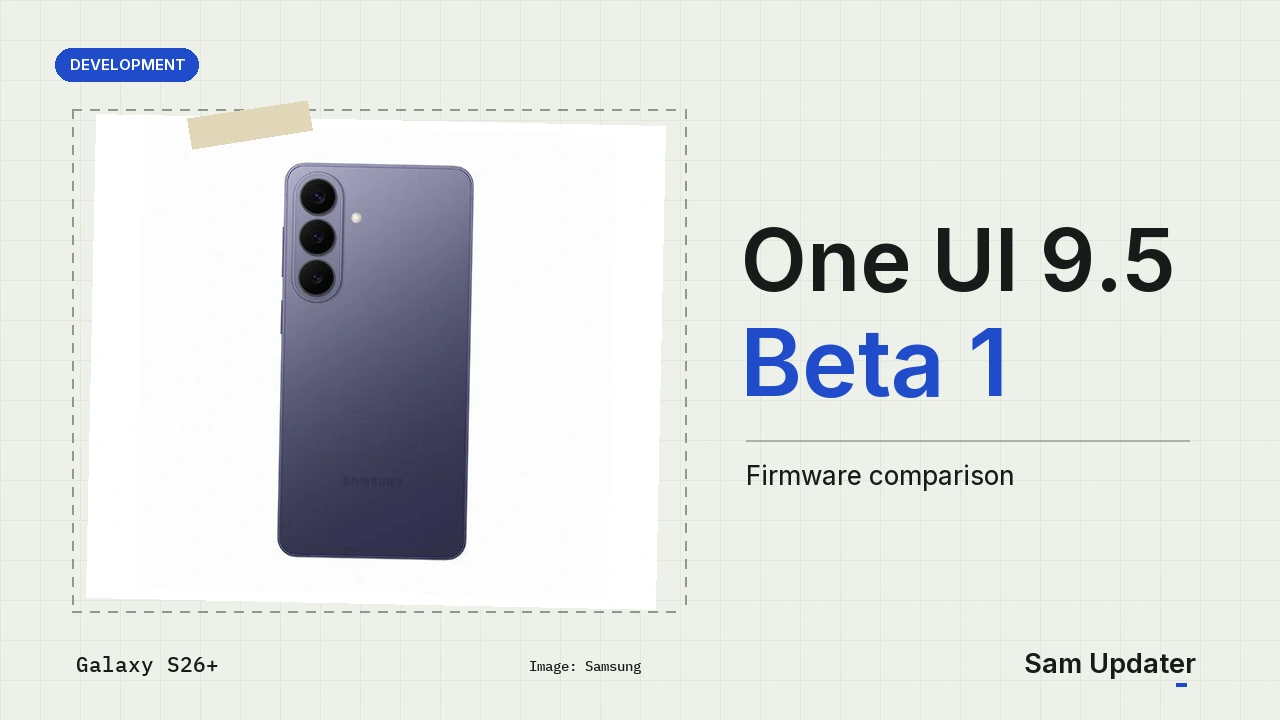
Ice Universe compared One UI 9.0 with One UI 9.5 Beta 1 on the Korean Galaxy S26+ and counted 2,795 firmware changes. In the November 23 report, 2,548 of those records had no match in Samsung’s public release notes, including code that could ask you to verify your identity when you turn off Wi-Fi from the lock screen.
In the original firmware analysis, Ice Universe picked 80 changes to explain across seven categories. Some describe controls you can use. Others describe work deep inside the phone, down to how a driver handles video or how Android decides which apps to keep in memory.
What does the 91% figure measure?
It measures the share of firmware changes Ice Universe couldn’t match to a changelog entry. The count includes code, drivers, resources and Android services. A single camera option can involve several of those, so counting all 2,795 records as features would give you the wrong idea of what’s on your phone.
The 80 highlights are a separate count. Ice Universe included both changes Samsung announced and details found by comparing the files.
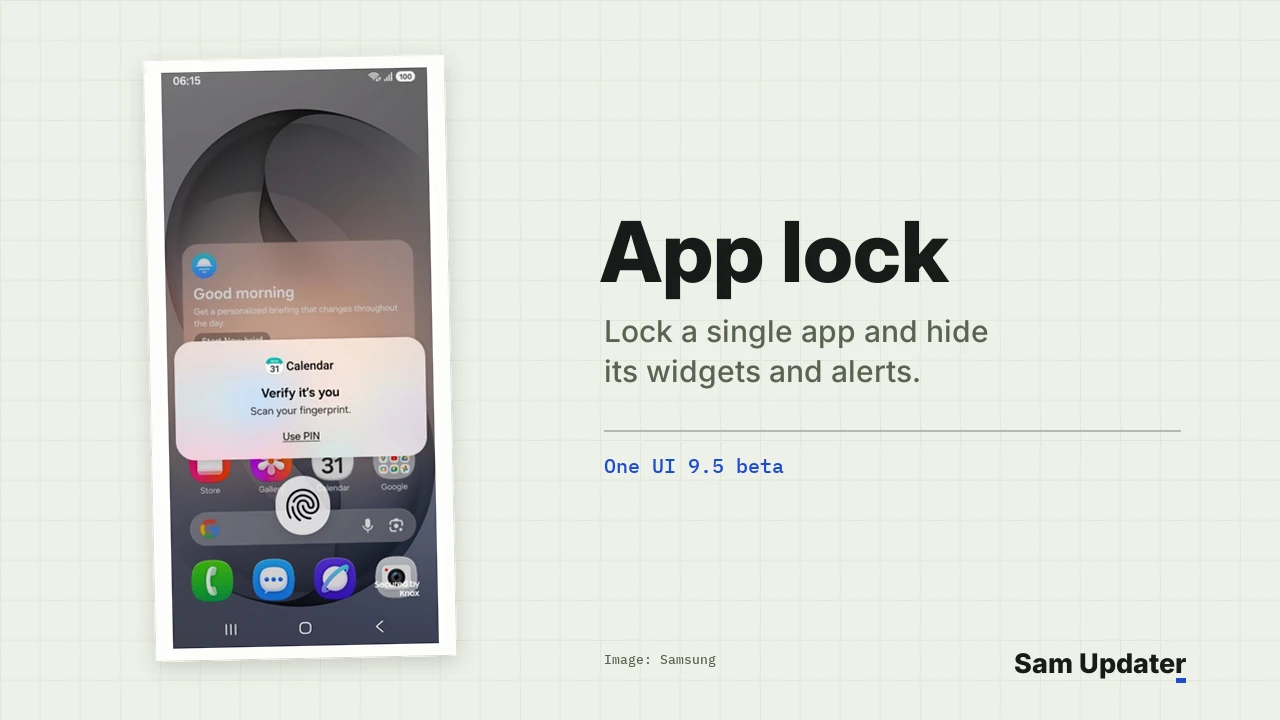
For example, Samsung’s November 18 beta announcement names App Lock, Pro camera presets, Mindful Note and hearing aid controls. You can read about those without opening a firmware file.
Seven places the Galaxy S26+ firmware changed
We compared the report with the update details in our Galaxy S26 beta changelog. Two details that sound like discoveries are already in those notes. You can choose how long the lock screen clock shows seconds, from 10 seconds to 10 minutes, and supported prompts can accept face or fingerprint recognition when you’ve enrolled both.
| Category | What Ice Universe found in the files | What Samsung lists or testers can check |
|---|---|---|
| Home and lock screens | QuickStar can label tiles that use custom images. LockStar can receive the position and timing of a swipe. | Clock durations are documented. The swipe data alone doesn’t show which animations you can select. |
| Privacy and biometrics | An 800-millisecond timer deals with a biometric prompt getting stuck as the screen rotates. | Samsung lists combined face and fingerprint recognition. The timer’s effect needs a rotation test. |
| Camera, Gallery and video | Open Gate code points to recording from a larger area of the sensor. Gallery has a way to save a panorama as a square fisheye JPEG. | Samsung confirms Pro presets. Open Gate still needs a compatible camera and a shooting mode that offers it. |
| DeX and multitasking | An external clock can pick up the phone’s font, color and date layout. | Samsung lists four-window tiling. A connected display would show which clock details carry over. |
| Galaxy AI and Keyboard | Voice input can remove repeated words. The code can turn that cleanup off when you select on-device processing only. | Compare the same dictated phrase with that setting on and off. |
| Health, files and everyday use | My Files can remember the last folder you used when choosing a file. | Opening Office documents is documented. Reopening a file picker would show whether it returns to that folder. |
| Connectivity and performance | Korean carrier files include settings for standalone 5G and voice calls over 5G. | Only a live connection on a supporting carrier can show whether the phone actually uses them. |
Which lock screen controls still need a phone check?
I’d start with Wi-Fi. Ice Universe found code that can ask you to authenticate before changing Wi-Fi, Bluetooth, airplane mode or mobile data on a locked Galaxy. The report leaves open whether Beta 1 exposes that control on the Korean S26+.
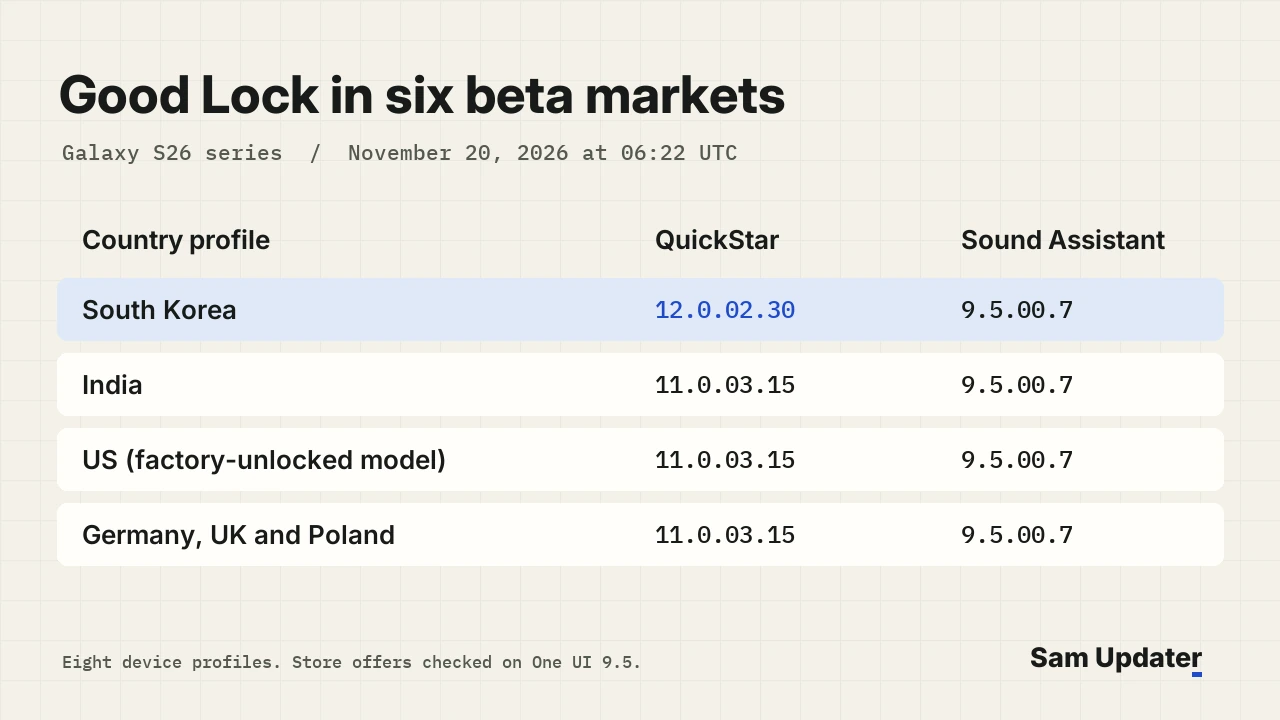
Good Lock adds a regional wrinkle. On November 20, Galaxy Store offered QuickStar 12.0.02.30 to our Korean S26+ profile. Our S26 Ultra checks in the other five beta markets returned QuickStar 11.0.03.15.
If you compare custom tile labels with another tester, include the module version alongside the phone build.
The Korean Galaxy S26+ build you can compare today
Our firmware feed and Samsung’s Korean Galaxy S26+ release history agree on S947NKSS6BZK1 for SM-S947N in South Korea (KOO). Samsung released that stable Android 17 build on November 9 with the November 5 security patch.
That’s the public baseline. Ice Universe identifies the two One UI versions without giving a build number for either file.
You can look up a different region in our Galaxy firmware checker or follow your model in the Sam Updater Android app. Our One UI 9.5 tracker and Telegram channel follow releases beyond this Korean beta.
Some of these changes may stay disabled or ship only on certain phones or in certain markets. If your beta asks for a PIN when you switch off Wi-Fi from the lock screen, which Galaxy model and build are you using?
Was this article helpful?
Your answer helps us keep it accurate.
Comments (0)
Comments are moderated, and published only if they are relevant to the topic and add value in a constructive way. If you disagree with something, please be polite and respectful.