
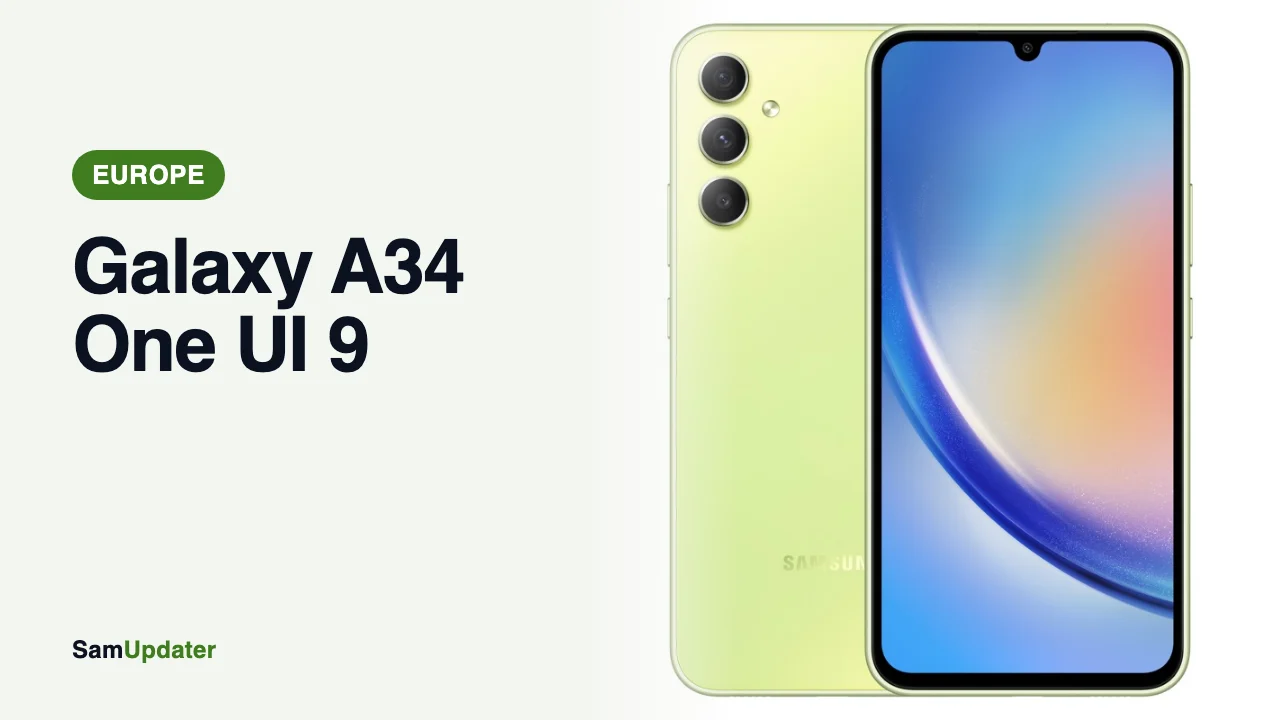
The Galaxy A34 One UI 9 update has reached Europe. On November 9, 2026, Samsung’s update server started offering build A346BXXUHGZJ8 to the SM-A346B on the EUX channel, and it runs Android 17. Until now, the stable update was only out in South Korea.
If your A34 was bought in Europe, open Settings > About phone and check that the model reads SM-A346B. That’s the version getting this build.
Galaxy A34 One UI 9 build for Europe
| Phone | Model | One UI 9 build | Channel |
|---|---|---|---|
| Galaxy A34 5G | SM-A346B | A346BXXUHGZJ8 | Europe (EUX) |
| Galaxy A34 5G | SM-A346N | A346NKSUFGZJ8 | South Korea (KOO) |
Other A34 models aren’t there yet. On November 9, Samsung’s server still showed A346EXXSGFZJ4 for the SM-A346E in India and A346MUBSHFZJ4 for the SM-A346M in Brazil, both on Android 16.
Both One UI 9 builds end in GZJ8. Z means 2026 and J means October, so this is October firmware, the same month as the Korean release. The G marks the new major version, one step up from the F in the One UI 8.5 builds.
The fifth character from the end is the bootloader version, and it’s still H. The last European security build, A346BXXSHFZJ4, has the same H, so One UI 9 doesn’t raise it. Our firmware version guide explains why that number matters.
What Samsung’s Galaxy A34 One UI 9 notes show today
Samsung’s Europe release notes for the SM-A346B haven’t caught up yet. The top entry is still A346BXXSHFZJ4 from October 19, on Android 16 with the October 5 patch.
So Samsung hasn’t published the European changelog or patch level for this build. The Korean A346NKSUFGZJ8 shipped with the October 5 patch, and we’d expect Europe to match, but that’s not confirmed yet.
What you get in One UI 9 should line up with the Korean notes we went through in our Galaxy A34 and A54 One UI 9 post. Those open with a quick panel where you can resize the brightness and volume sliders, plus a new Warranty and care menu.
Install One UI 9 on your Galaxy A34
This is a full Android upgrade, so back up first. Our One UI 9 backup guide walks you through the options.
- Connect to Wi-Fi and charge your phone past 50 percent.
- Open Settings > Software update > Download and install.
- Tap Download when One UI 9 shows up, then Install now.
- Wait for the restart and check Settings > About phone > Software information for A346BXXUHGZJ8.
A full Android upgrade is a big download, so don’t start it on mobile data.
Other Galaxy A phones on One UI 9 in Europe
The Galaxy A34 One UI 9 update arrives a little after its bigger siblings. The Galaxy A55 got A556BXXUIEZJ1 on the EUX channel on October 26, as we covered in our Galaxy A55, A35, A17 and A16 One UI 9 post. The Galaxy A54 followed with A546BXXUNGZJ5, which Samsung dates November 2 in Europe.
So if you have both an A54 and an A34 in the house, the A54 has likely had One UI 9 for about a week already. Samsung hasn’t said why the Galaxy A34 One UI 9 build came later.
Why your Galaxy A34 might not show it yet
Samsung sends updates in batches, and EUX is the open-market channel that covers unbranded phones across a lot of European countries. Your phone can be on the right channel and still wait a few days.
If yours still shows nothing after a week, our guide to the One UI 9 update not showing covers what to check, and our CSC code guide shows how to find your channel.
Got the update on your A34? Tell me your country and carrier in the comments.
Was this guide helpful?
Your answer helps us keep it accurate.


Comments (0)
Comments are moderated, and published only if they are relevant to the topic and add value in a constructive way. If you disagree with something, please be polite and respectful.