
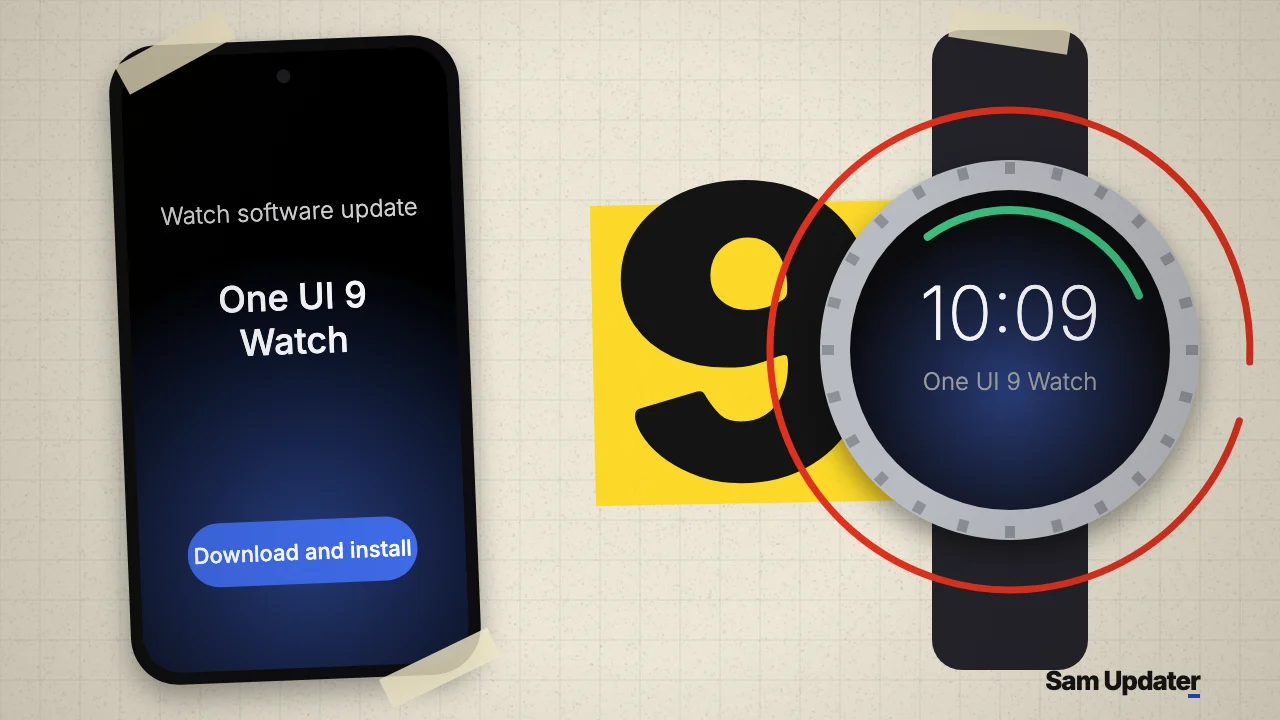
Samsung has started rolling out the stable One UI 9 Watch update to the Galaxy Watch 8 and Galaxy Watch 8 Classic in South Korea. The firmware went out on November 8, 2026, and it’s based on Wear OS 7.
This is the first stable build after a beta that ran since late August. If you have a Korean Watch 8, you can check for it in the Galaxy Wearable app today.
Galaxy Watch 8 One UI 9 Watch builds
Each Watch 8 model has its own build. The Korean models carry an N at the end of the model number, so match yours before you compare.
| Watch | Model | One UI 9 Watch build |
|---|---|---|
| Galaxy Watch 8 40mm | SM-L325N | L325NKOU3BZJ7 |
| Galaxy Watch 8 44mm | SM-L335N | L335NKOU3BZJ7 |
| Galaxy Watch 8 Classic 46mm | SM-L505N | L505NKOU3BZJ7 |
Look at the last three characters. Z stands for 2026 and J for October, so ZJ7 marks an October 2026 build. Our Samsung firmware version guide breaks down the rest of the string.
What changes in One UI 9 Watch
The update brings a refreshed interface, quicker access to AI assistants like Google’s Gemini and a bigger round of Samsung Health changes. The health side adds Daily Cardio Load, Vitals tracking and better exercise guidance.
Samsung first showed these health tools with the Galaxy Watch 9 and Watch Ultra 2. Its July Unpacked preview describes Daily Cardio Load as a way to judge your training balance and how much recovery you need after a hard workout. Vitals is one of the five main sections in the updated Samsung Health app.
That preview was about the new watches, not the Watch 8. So read the changelog on your own watch before you count on a specific feature, since some health tools depend on the sensors inside.
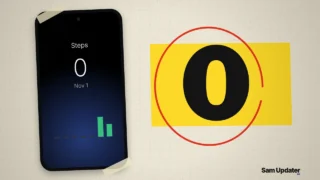
Separately, if you use Samsung Health on your phone, our post on the missing step history before November 2 explains why older days can show 0 steps after the November 2 app update.
How to install the update on your Galaxy Watch 8
The easiest route is the Galaxy Wearable app on your paired phone. Samsung’s watch update support page says you may not be able to update with less than 30% charge, so top it up first.
- Charge your Galaxy Watch 8 above 30% and keep it near your phone.
- Open the Galaxy Wearable app on the paired phone.
- Tap Watch settings, then Watch software update.
- Tap Download and install.
- Keep the watch close to the phone until the install finishes.
Not seeing it yet? That’s normal on day one. Samsung sends these builds out in waves, so try again later today or tomorrow.
While you’re in the app, the new outfit-matching watch faces in Galaxy Wearable are another recent addition you can try.
Other countries and other Galaxy Watch models
Samsung hasn’t given a date for the stable update outside South Korea, so the timing for Europe, India and the US isn’t public yet.
This release only covers the Watch 8 family. The Korean Galaxy Watch 7, Watch Ultra and Watch 6 were still on One UI 9 Watch betas in late October, and our One UI 9 Watch guide tracks the beta history and the eligible models.
For your phone’s side of the upgrade, the One UI 9 update tracker shows which Galaxy phones have the stable build in your region.
Was this guide helpful?
Your answer helps us keep it accurate.
Comments (0)
Comments are moderated, and published only if they are relevant to the topic and add value in a constructive way. If you disagree with something, please be polite and respectful.