
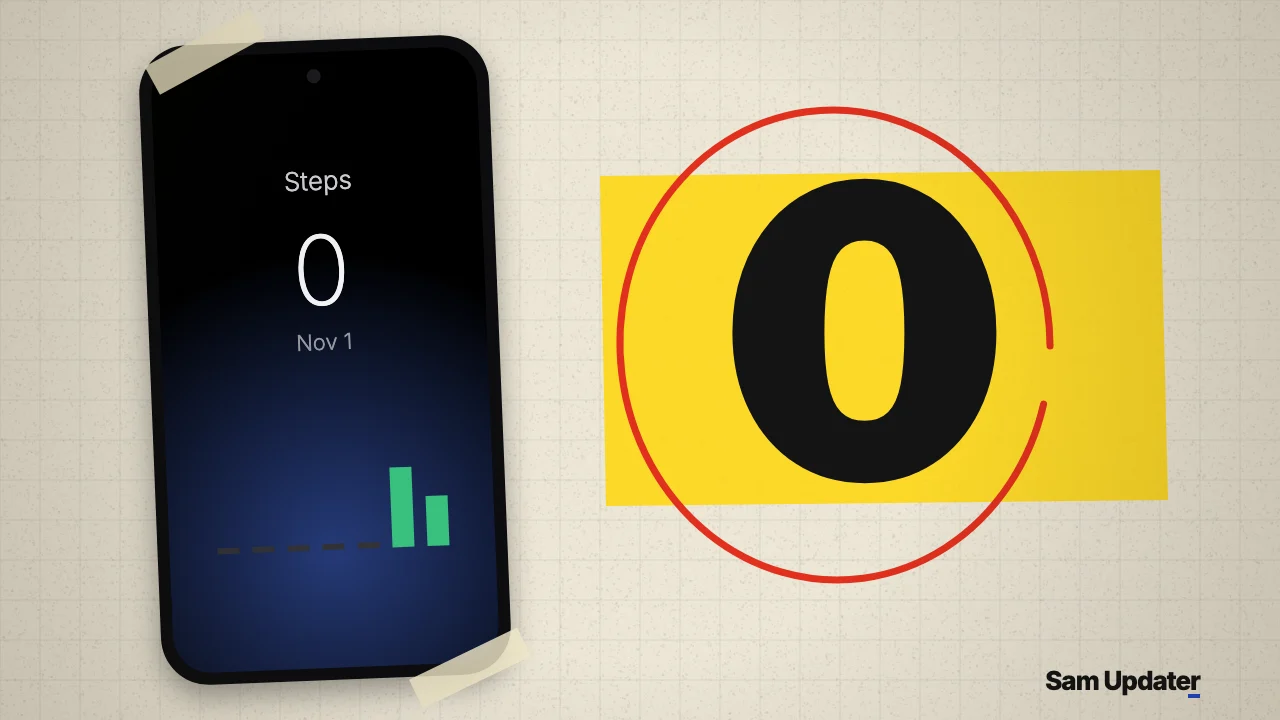
Samsung Health step history from before November 2 now shows 0 in the Steps section for some owners, Android Authority reported on November 6, 2026. The counts don’t look deleted. Open Daily Activity for the same date and they’re still there, so hold off on resetting anything.
Samsung hasn’t confirmed the bug or a fix yet. The timing does match the app’s latest release, since the Samsung Health listing on Google Play shows an update on November 2, 2026.
What Samsung Health owners are seeing
Most of the affected owners in the report point to that November 2 Samsung Health update. After it, older days read 0 in Steps, even though the app recorded walking on those dates. Android Authority says the reports came from Reddit and Samsung’s Community forum, and one Reddit user shared a video of the mismatch.
The only phone named in the report is a Galaxy Z Fold 8 Ultra. Its owner lost the older steps after the app update. The report doesn’t say how widespread this is, so treat that one model as an example, not a list of affected phones.
This table sums up what owners have tried to get their Samsung Health step history back:
| What was checked | Reported result |
|---|---|
| Steps section, dates before November 2 | Shows 0 |
| Daily Activity, same dates | Step counts still appear |
| Restart, cache clear and reinstall | No change for the Fold 8 Ultra owner |
| Phone date set to November 1 | Step count came back for one Community user |
| Phone date set back to November 2 | Step count disappeared again |
See your missing Samsung Health step history
You can still read your Samsung Health step history from those dates. This doesn’t repair the Steps screen, but it will show you if your data matches what others are reporting.
- Open Samsung Health and go to Steps.
- Pick a date before November 2 and note the number. Owners with this bug see 0.
- Go back and open Daily Activity.
- Pick that same date and compare the two.
If Daily Activity shows a count where Steps shows 0, you’ve got the same problem. If both screens are empty for that date, it’s something else, and your phone may not have recorded or synced those steps.
Why daylight saving time is getting the blame
Some owners suspect the end of daylight saving time, and the date test above is why. Moving the phone back one day brought a count back, which suggests the app is mishandling dates. It also suggests the data is sitting there intact. Samsung hasn’t explained it, so that’s still a theory.
US clocks went back on November 1, one day before the app update. Those two events are too close together to separate by date alone.
Here’s the detail I’d watch. India doesn’t use daylight saving time. So if owners in India see the same 0 on older dates, the clock change looks less likely and the app update looks more likely. The report doesn’t list countries yet.
What to skip for now
Leave your phone’s date alone. That test came from one person, the count vanished as soon as they changed the date back, and a wrong system date can upset other apps. I’d also skip reinstalling, because it didn’t help the Fold 8 Ultra owner.
The better move is a bug report about your Samsung Health step history. Android Authority points affected owners to Samsung Members > Support > Send feedback. Add a screenshot of Steps and Daily Activity for one date, plus your Samsung Health version from the app’s info page. Your build number helps too, and our firmware version guide shows where to read it.
This looks like an app problem, so a firmware update isn’t the thing to wait for. Still, if other things feel off since your last phone update, we rounded up more in our One UI 9 annoying changes guide. You can see where your model stands in our One UI 9 update tracker.
FAQ
Has Samsung fixed the Samsung Health step history bug?
Not as of November 7, 2026. Android Authority says it asked Samsung about the issue, and its report doesn’t include a reply yet. Check Google Play or Galaxy Store for a Samsung Health update newer than November 2.
Are new steps still being counted?
The reports only describe dates before November 2. None of them says new steps have stopped counting, so keep carrying your phone or watch as usual.
Was this guide helpful?
Your answer helps us keep it accurate.

Comments (0)
Comments are moderated, and published only if they are relevant to the topic and add value in a constructive way. If you disagree with something, please be polite and respectful.