
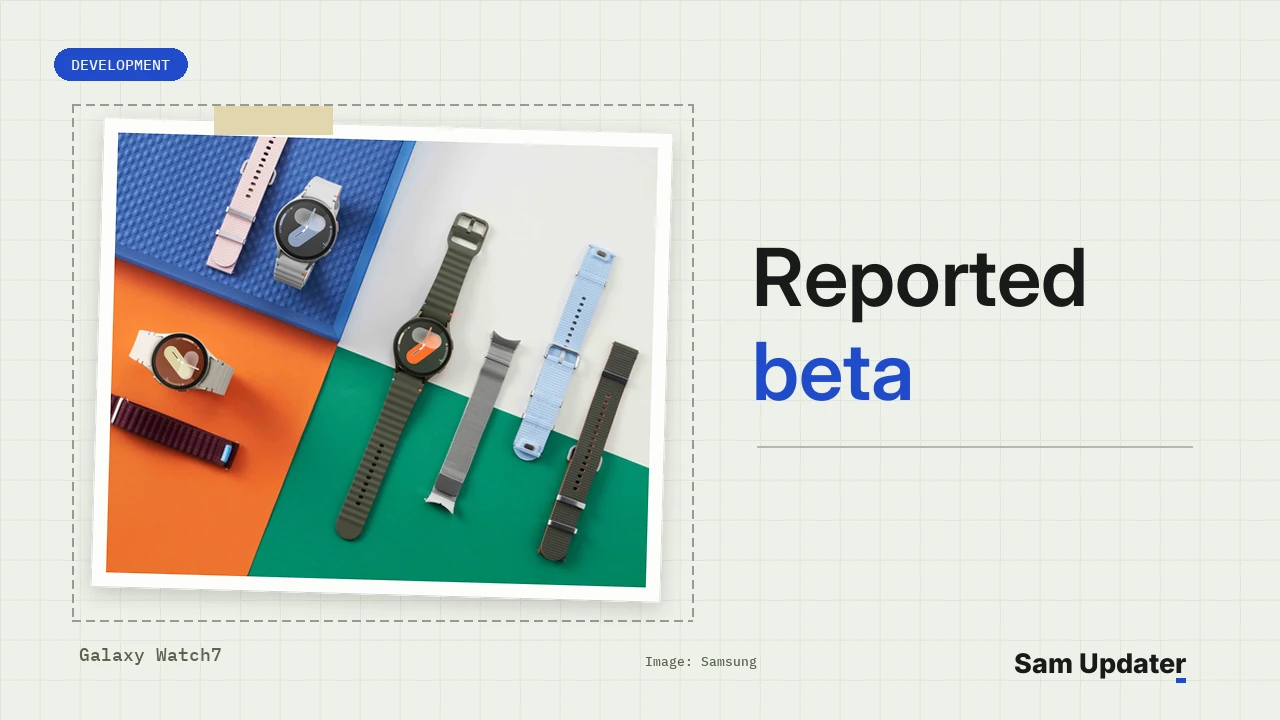
A new Galaxy Watch7 One UI 9 Watch beta is rolling out to testers in the US, according to an owner’s update screen posted on Reddit on November 20. The owner calls it the seventh beta. The screen shows build L310XXU2ZZK2 for the SM-L310, a 187.39 MB download and the October 5, 2026 security patch.
If your Watch7 is enrolled in the beta, check Galaxy Wearable for it. If it isn’t, nothing new is waiting for you yet. Samsung’s US release history for the Watch7 still ends with a July build.
What does the ZZK2 update screen show?
In the owner’s screenshot, the watch is still downloading ZZK2, and every line on the update screen is readable. Here’s what it lists for the SM-L310, from the One UI version down to the one changelog line.
| Item | On the update screen |
|---|---|
| One UI version | 9.0 Watch |
| Version | L310XXU2ZZK2 / L310OXM2ZZK2 |
| Size | 187.39 MB |
| Security patch level | October 5, 2026 |
| Changelog | Applied stabilization code related to device operation |
At the bottom, the screen links to Samsung’s notes for the SM-L310 on XAA. That’s the code for unlocked US models, which is why we’re treating this as a US beta round.
That one stabilization line is the whole changelog. Another tester in the thread pointed it out too. They said the previous beta came with a battery fix, while this one didn’t list any details.
We’re treating ZZK2 as a reported beta build. The details above come from the owner’s screen, not from a Samsung notice.
How ZZK2 compares with earlier Watch7 betas
Read the last five characters first. The 2 is the bootloader version, and it’s the same 2 you’ll find on the current stable build. The Z after it takes the place of the One UI letter, which is how these betas usually show up. Then Z is 2026, K is November and the final 2 is the revision.
Our One UI 9 Watch guide last recorded L310XXU2ZZJ7 from October 23, a 190.11 MB download with the same October patch. So ZZK2 is a November build, and the patch date hasn’t moved. Our firmware version guide explains the other characters.
Samsung’s US beta team keeps its own numbering. Its Tips board has notices for the first Watch7 beta on September 3 (Bluetooth models only), the second on September 21 and the third on October 6. When we checked the board, it didn’t have a newer Watch7 notice yet. The “seventh” count comes from the owner, not from Samsung.
For comparison, that October 6 notice listed six fixes. It covered sensor stabilization, a Health app error, Home button shortcuts and two Always On Display problems. It also said beta updates come only over the air, through Settings > Software update > Check for updates.
Where does the stable Watch7 update stand in the US?
Samsung hasn’t released stable One UI 9 Watch for the Watch7 or the Watch Ultra in the US yet. Their release notes still show July builds on AndroidWear 6.0 with the July 5 patch.
| Watch | Model | Latest stable build | Released |
|---|---|---|---|
| Galaxy Watch7 | SM-L300 | L300XXS2BZF4 | Jul 6, 2026 |
| Galaxy Watch7 | SM-L310 | L310XXS2BZF4 | Jul 6, 2026 |
| Galaxy Watch Ultra | SM-L705U | L705USQS3BZF4 | Jul 13, 2026 |
Galaxy Watch8 owners are already past this stage. Samsung’s release notes for the SM-L320 list stable build L320XXU2BZJ7 from November 18. We covered the Korean rollout in our Galaxy Watch8 Korea rollout report.
Only a Watch7 screen appears in the Reddit thread, so we can’t say whether the Watch Ultra got the same round.
What Watch7 testers say about battery life
Battery is the main thing people in the thread are talking about. One tester says their watch used to last 68 hours and now gets about 34. Another says a couple of people saw better battery life with the previous beta, but theirs didn’t improve.
It’s not new either. On Samsung’s US beta forum, a Watch7 battery thread from late October has one tester charging three times a day instead of once. Another member there blamed Google’s assistant on their watch and suggested sending feedback with logs.
Nothing in the ZZK2 changelog mentions battery. If your Watch7 drains fast after installing it, send that feedback through Samsung Members so the beta team gets your logs.
How to install the beta on your Galaxy Watch7
Samsung’s watch update instructions say you may not be able to update with less than 30% charge. The beta comes through the same menu as a regular update.
- Charge the watch above 30 percent and keep it close to your phone.
- Open Galaxy Wearable on the paired phone.
- Tap Watch settings, then Watch software update.
- Tap Download and install, and wait for the watch to restart.
Read the warning on the update screen before you start. It says you can’t use the watch while it installs, not even for emergency calls. It also says some settings may change and asks you to back up your data.
Not in the beta? Our beta sign-up guide shows how Samsung Members lists the tests open to your device.
Which build does your Watch7 show right now? Tell us your model number and the version from the update screen in the comments.
Was this article helpful?
Your answer helps us keep it accurate.
Comments (0)
Comments are moderated, and published only if they are relevant to the topic and add value in a constructive way. If you disagree with something, please be polite and respectful.