
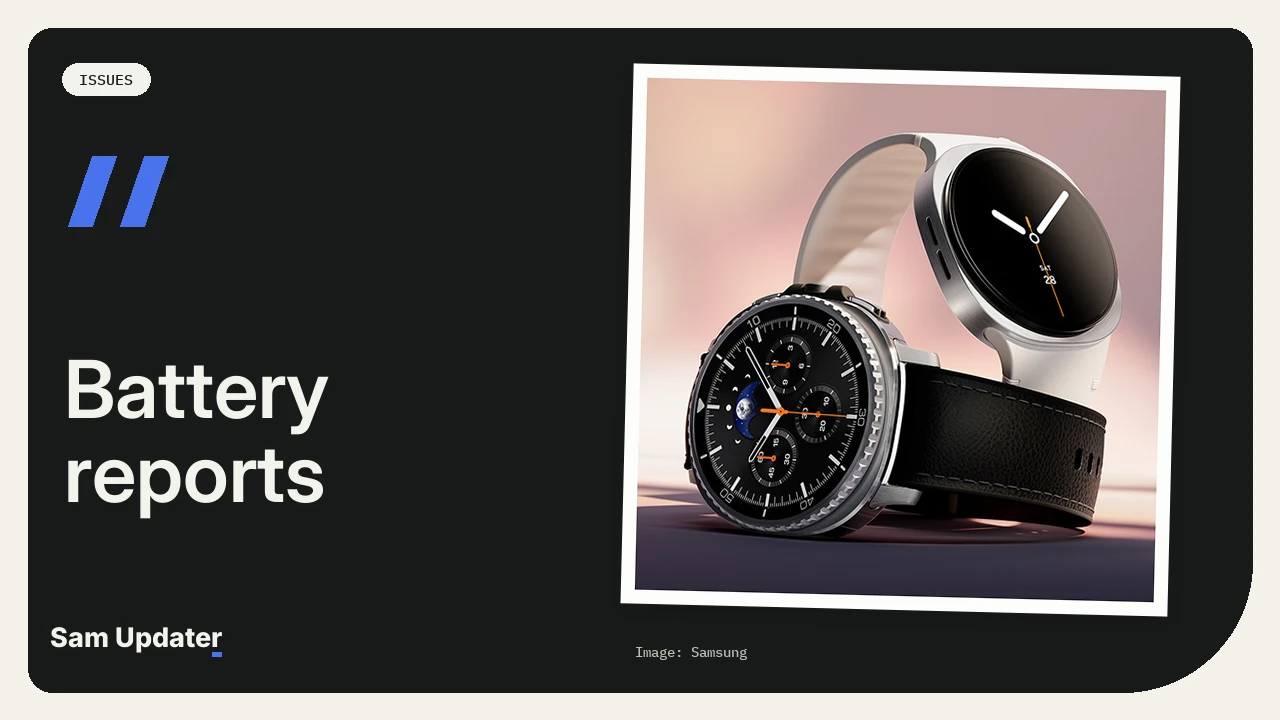
Some Galaxy Watch8 and Watch8 Classic owners say their battery drains much faster after the One UI 9 Watch update. The complaints started showing up this week, right after Samsung released the update for the US models on November 18. Samsung hasn’t said anything about battery life yet, and the release notes don’t mention it.
If your watch updated and the battery suddenly can’t get through the night, you’re not the only one. Here’s what owners are reporting and what you can check on your own watch.
Which Galaxy Watch8 models got One UI 9 Watch in the US?
Samsung’s release notes list build BZJ7 for the three Bluetooth models sold in the US. Samsung lists the Android version as AndroidWear 7.0, and the build carries the October 5, 2026 security patch.
| Watch | Model | Build | Released |
|---|---|---|---|
| Galaxy Watch8 40mm | SM-L320 | L320XXU2BZJ7 | Nov 18, 2026 |
| Galaxy Watch8 44mm | SM-L330 | L330XXU2BZJ7 | Nov 18, 2026 |
| Galaxy Watch8 Classic | SM-L500 | L500XXU2BZJ7 | Nov 18, 2026 |
The changelog is long. It covers the redesigned Galaxy Wearable app, new watch faces and other One UI 9 Watch changes. We searched it for battery and power saving and found nothing. Korean owners got the stable update a little earlier, which we covered in our post on the Galaxy Watch8 One UI 9 Watch update in South Korea.
What owners are saying about the battery
The biggest thread is on the Galaxy Watch subreddit. The owner who started it says one charge used to last two days with battery saver on. After the update, the watch barely lasts eight hours overnight.
Other replies sound similar:
- One owner can’t get eight hours out of a charge since updating.
- Another charges to 90 percent at night and is down to 20 percent by the next afternoon, with the watch dead by evening.
- A third woke up after six hours of sleep to 2 percent left.
- A Watch8 Classic owner who tested the beta says battery life was much better on the beta. The watch now loses more than 20 percent overnight.
Not everyone has this problem, though. A Watch8 44mm owner who keeps AOD and the health features on says battery life is better than it was on One UI 8. That’s why we don’t think this is a fault on every watch. It looks like something specific is draining some of them.
One new watch face may be part of it
A Watch8 Classic owner tried the new Radial watch face after updating and says it ate through the battery. Before the update, that watch easily lasted a full day with sleep tracking and regular workouts.
So if you switched to one of the new watch faces after updating, go back to your old one for a day. It’s the easiest test you can do.
What you can try
These steps come from Samsung’s own Galaxy Watch battery page. Try them one at a time so you know which one helped.
- Run the battery diagnostic in Samsung Members on your paired Samsung phone. If the battery passes, the hardware is fine and the drain is coming from software.
- Update the apps on your watch. Open the Galaxy Wearable app, tap Watch settings, tap Galaxy Store, then tap More options > My page > Update. Open the Watch tab and tap Update all.
- Turn off Always On Display if you don’t need it.
- Set heart rate and stress measurements to every 10 minutes or manual only.
- Turn on Power saving on the watch from Settings > Battery and device care. On some watches you’ll find it under Battery or Battery management first.
Some apps also update through the Play Store, so check our guide on updating Galaxy Watch apps from the Play Store as well.
One more thing about power saving. A Watch8 Classic owner says the old trick of using power saving with raise to wake no longer works on One UI 9 Watch. If you relied on that, your screen may not wake up the same way with power saving on.
Should you wait before updating?
If your watch hasn’t updated yet and battery life matters more to you than the new features, you can wait a few days. Our One UI 9 Watch update guide lists which watches get the update and when.
Already updated? Tell us your watch model, how long the battery lasts now and how long it lasted before. That helps us figure out whether this is a few watches or a bigger problem.
Was this article helpful?
Your answer helps us keep it accurate.
Comments (0)
Comments are moderated, and published only if they are relevant to the topic and add value in a constructive way. If you disagree with something, please be polite and respectful.