
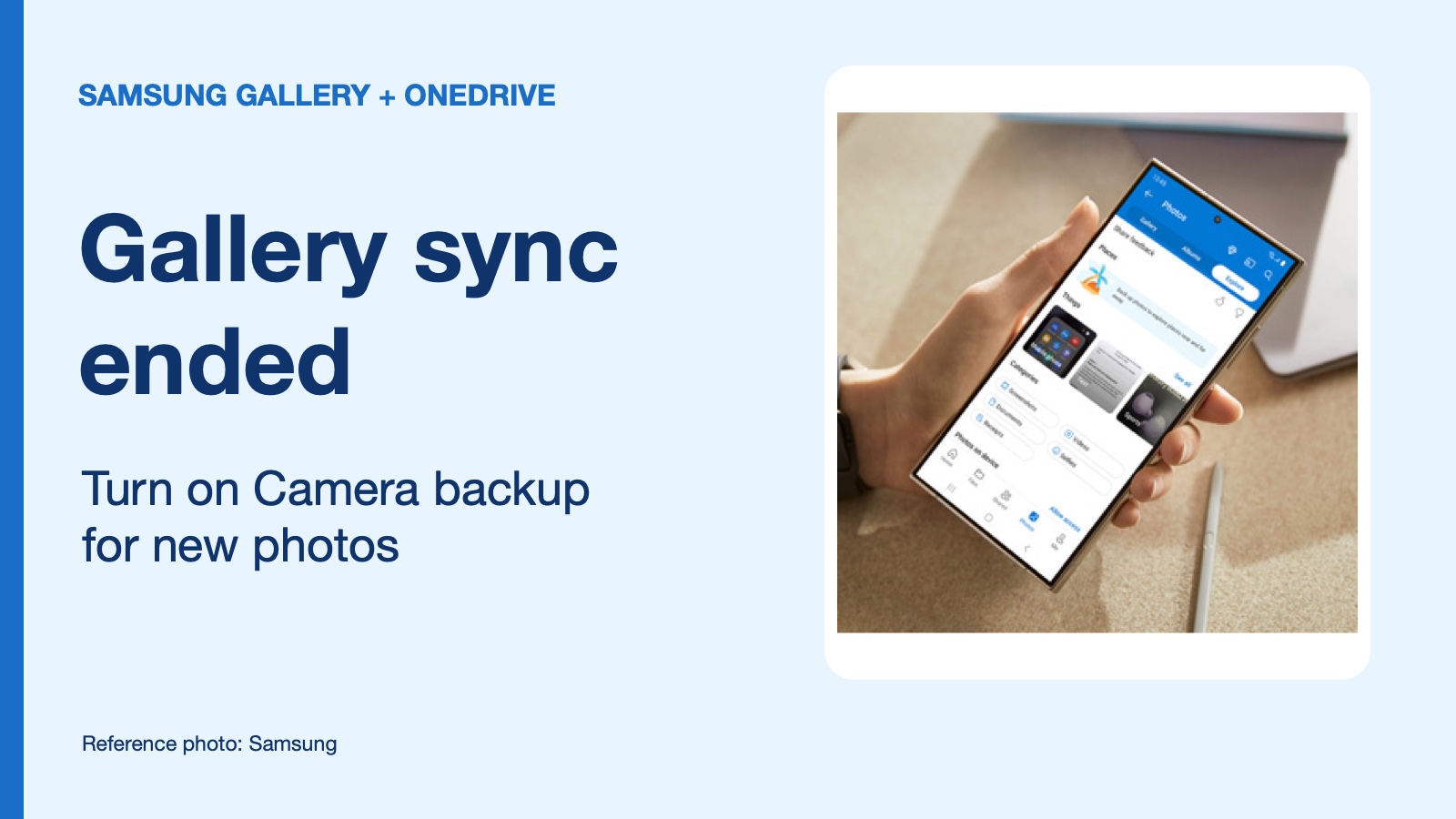
Samsung Gallery stopped syncing with OneDrive on September 30, 2026, so OneDrive camera backup on your Samsung phone is now the way new photos reach Microsoft’s cloud. Open the OneDrive app, tap your account picture, choose Camera backup and turn it on for the Microsoft account that already holds your older pictures.
Those older pictures are still in OneDrive, even though Gallery stopped showing them. Below, you’ll set up the backup, then follow one old photo and one new photo so you know both are safe before you clear anything off the phone.
Turn on Camera backup in the OneDrive app
Microsoft’s Samsung Gallery sync change notice lists the replacement steps. If OneDrive is missing from your phone, install Microsoft OneDrive from Google Play first.
- Open the OneDrive app on your Galaxy phone.
- Sign in with the Microsoft account you want your photos saved to.
- Tap your account picture.
- Tap Camera backup and check that the right account is selected.
- Turn Camera backup on.
- Allow OneDrive to access your photos and videos when Android asks.
Videos are a separate switch. Go to your account picture > Settings > Camera backup and turn on Include videos. The same screen has a Backup only when charging checkbox, so look at it whenever uploads seem to pause.
Which Microsoft account receives the photos?
Camera backup sends photos to one account at a time, according to Microsoft’s OneDrive camera backup guide for Android. If you’re signed in to a personal account and a work or school account, uploads go only to the one you select on the Camera backup screen.
I’d pick the account that held your old Gallery sync. That keeps your older library and your new photos together, so you only have one place to check later.
Storage counts too. Microsoft says new uploads need the account to stay within its storage quota, so check the remaining space before a big batch of photos starts uploading.
Trace one old photo and one new photo
This short check tells you whether both halves of your library are where you expect. It takes a few minutes, and it’s worth doing before you trust the setup with anything important.
- Pick an older photo you know was synced from Gallery before September 30, 2026.
- Open the OneDrive app and find that photo in your files. You can also sign in at onedrive.com with the same account.
- Take a new test picture with the Camera app. Choose something that isn’t private.
- Keep the phone online and leave OneDrive running in the background for a while.
- Look for the new picture in OneDrive and open it to make sure the file loads.
Microsoft notes that closing the OneDrive app can stop automatic uploads, so avoid swiping it away during this test. If the old photo is there and the new one arrives, Camera backup is doing its job.
Only the old photo showed up? Skip ahead to the section on stalled uploads.
Why did older OneDrive photos leave Gallery?
They left Gallery because the direct sync ended, and the cloud copies stayed where they were. Microsoft says the photos stored in OneDrive disappeared from Samsung Gallery after the change, but they remain safe and unchanged in the OneDrive app and on onedrive.com.
So “gone from Gallery” and “gone from OneDrive” are two different situations. The first one is expected now. The second would show up as a missing file inside OneDrive itself, and that’s the one to look into.
Samsung’s discontinuation notice also listed what ended with the sync, including Story Sync and viewing those photos on Samsung TVs, monitors and Family Hub. Before the shutdown, it offered a Download Originals option under Gallery > Menu > Settings > Gallery sync with OneDrive, and warned that only files fitting your free storage would be saved.
If you’d rather keep backups inside Gallery from now on, Samsung’s newer Google option on One UI 9 is explained in this Samsung Gallery Google sync and Free up space breakdown. It’s a separate service from OneDrive.
Free up space only after the upload is confirmed
Camera backup is a one-way upload. Microsoft says that after photos and videos finish uploading, you can delete them from the phone and the OneDrive copies stay in place.
The key word is “finish.” A photo deleted before it reaches OneDrive only exists in Gallery Trash, which Samsung keeps for 30 days before removing it for good. Clear space in this order:
- Confirm the photos open in OneDrive under the account you chose.
- Check the whole date range you plan to delete, rather than one sample picture.
- Delete the photos in Gallery, which moves them to Gallery Trash first.
- Empty Trash once you’re sure the cloud copies are complete.
Edited pictures need a second look. If you used Save as copy in the Gallery editor, the original and the edit are separate files, as our guide to reverting Gallery edits and keeping both photos explains. Make sure both versions reached OneDrive before you remove either one.
When new photos stop uploading
Go back to your account picture > Settings > Camera backup and work through the checks Microsoft lists:
- Camera backup is still switched on.
- The correct account is selected.
- OneDrive has full access to photos and videos, rather than limited access.
- The account has storage left.
- The phone has a strong internet connection.
- Include videos is on, if only videos are missing.
- Backup only when charging is unchecked, or the phone is on a charger.
Pictures saved by other apps can sit in their own device folders. To include them, open your account picture > Settings > Camera backup > Back up device folders and pick the folders you want. Microsoft’s categorize option keeps the original folder names in OneDrive.
Planning a reset or a major update as well? Our Galaxy backup guide for One UI 9 covers contacts, messages and settings, which Camera backup leaves out.
FAQ
Can a personal and a work OneDrive account both back up photos?
No. Microsoft says camera backup works with one account at a time. If you’re signed in to a personal account and a work or school account, choose one on the Camera backup screen. New photos keep going to that account until you switch, so pick the one that already holds your old Gallery library.
Does deleting a photo from the phone remove it from OneDrive?
No. Once the upload has finished, Microsoft describes camera backup as one-way, so deleting the phone copy leaves the OneDrive copy in place. Open the file in OneDrive first. A picture deleted before it uploaded only exists in Gallery Trash, which Samsung keeps for 30 days before removing it permanently.
Why are photos uploading while videos are missing?
Include videos is a separate switch. Open your account picture, then Settings > Camera backup, and turn on Include videos. Videos are larger files, so leave OneDrive running on a strong connection and check the account’s storage. If Backup only when charging is checked, plug the phone in and give it some time.
Was this guide helpful?
Your answer helps us keep it accurate.
Comments (0)
Comments are moderated, and published only if they are relevant to the topic and add value in a constructive way. If you disagree with something, please be polite and respectful.