Hide Apps on Samsung and Restore Their Icons Later
Hide and unhide Galaxy app icons, open a hidden app through Search, and distinguish icon visibility from disabling or private storage.
Browse by category
Hide and unhide Galaxy app icons, open a hidden app through Search, and distinguish icon visibility from disabling or private storage.
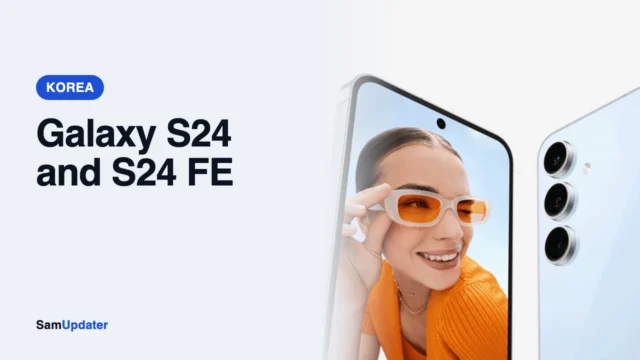
Samsung's second October update is rolling out to the Galaxy S24, S24+, S24 Ultra and S24 FE in South Korea. Here are the new builds and which carriers have them.
Create Secure Folder, add app copies, choose Copy or Move for private files, and understand why account sync is separate from a backup.
Send files from Galaxy to a nearby Android phone, choose receiving visibility, and distinguish direct transfers from QR code or link sharing.
Capture your Galaxy screen with buttons or a palm swipe, extend long pages, edit the result, and understand screenshot restrictions.
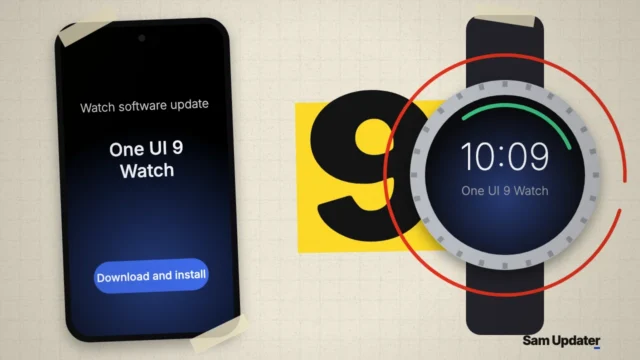
Stable One UI 9 Watch is rolling out to the Galaxy Watch 8 and Watch 8 Classic in South Korea. Here are the builds, what's new and how to install it.
Choose your Galaxy default browser and understand why website app links and pages displayed inside apps can still open differently.
Pair your Galaxy and Windows 11 PC, check feature-specific permissions and requirements, and find the current location for phone photos.
Choose the Together panel layout, save it, and understand the first and second swipes when notifications and Quick settings share one view.
Choose whether Google Messages shares your read status, check the RCS connection, and distinguish Read from Delivered on your Galaxy.